DJBREIT
-
Posts
359 -
Joined
-
Last visited
Content Type
Profiles
Forums
Events
Everything posted by DJBREIT
-
I take it this was a bug. And After trying to reproduce it came up with nothing ether. Bummer the first bug that would have been rely handy.
-
I was work on coping a bunch of group pivots to there material. After two hours of mind numbing work I hit some keys and the groups I was working on had there pivots numbers copied to the materials translate. I wish I new what keys I hit because it saved me a boat load of work. If You know something about this please post.
-
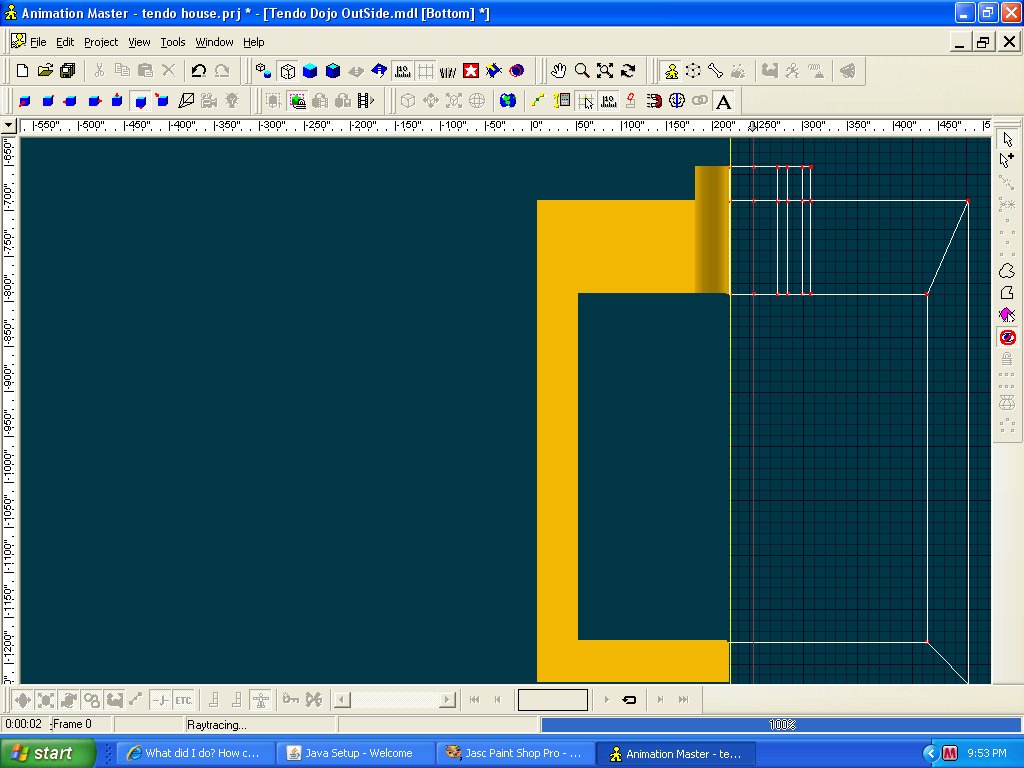
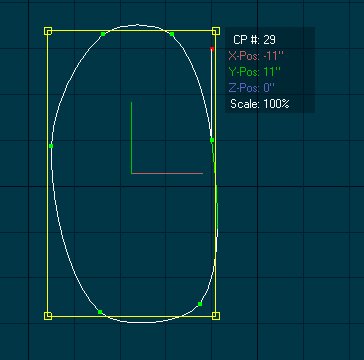
Hmmmm It may have been like this. My lines maybe a different color since it is set to one that sticks out. Yours seem to be set at blue. What happened is I put on the CP lock in this image but to cause this first open your model and expanded it. Then open one of your work windows like "project workspace. Next put quick render on your model then close the work window. you should see the yellow line on the side. I think the yellow line is suppose to be the edge of the render window and normally is the same as your model window. It is just a glitch in AM Not a big one. To fix this turn of quick render. If it is some thing else then I don’t know.

-
Do you mean something like this?
-
The Ease sort of answered most of the question but left one problem. Since this is a tour I don't have a defined time line and I need to change and extend the path as I maps out the tour. the problem is the Ease is a percentage of the path so when I change or extend the path it throws off the movements and stops of the camera that I have laid out. If the ease was a time stamp this would not be a problem. Is there a fix or would you do something totally different instead of using a path?
-
I am setting up for a video tour of a house I have made for You Tube. And after taking two days to figuring out how to get the doors and windows to work at the right time throw an action. It maybe faster to just ask. I am using a path with a camera. 1. How do I speed up/down and stop the camera along the path so I can have the camera stop and look around. 2. How do I set up so the cameras movement as the actions that dictate the time of the video instead of the path. Since it is a pain to recalculate the time ever time I make some changes to the cameras tour of the house. 3. How do I set up an object on the path ahead of the camera so the camera will aim at where it is going instead of where it is on the path. Just like a person would do. look at where they are going instead of where they are moving.
-
Some how this double posted.
-
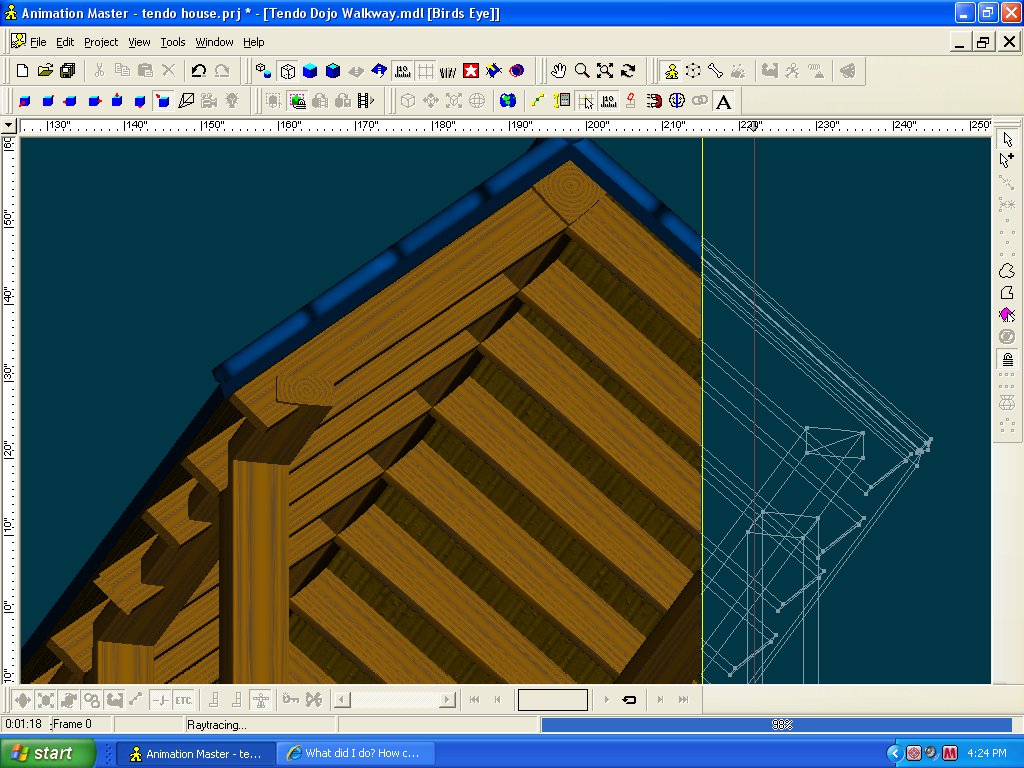
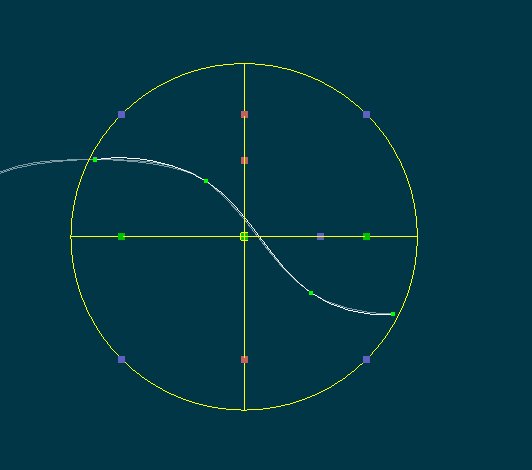
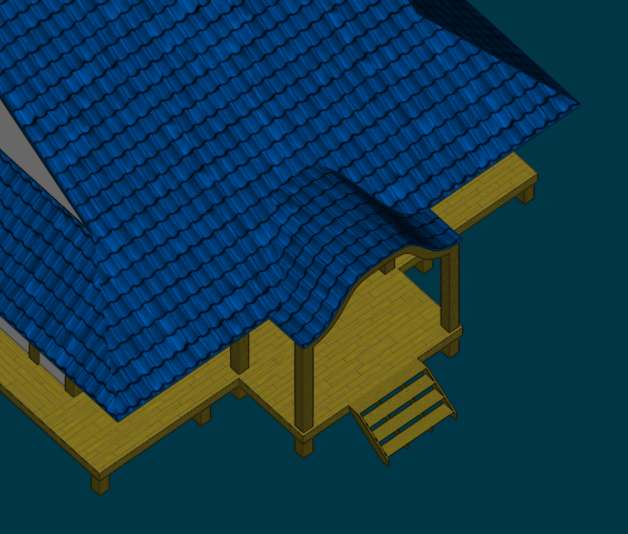
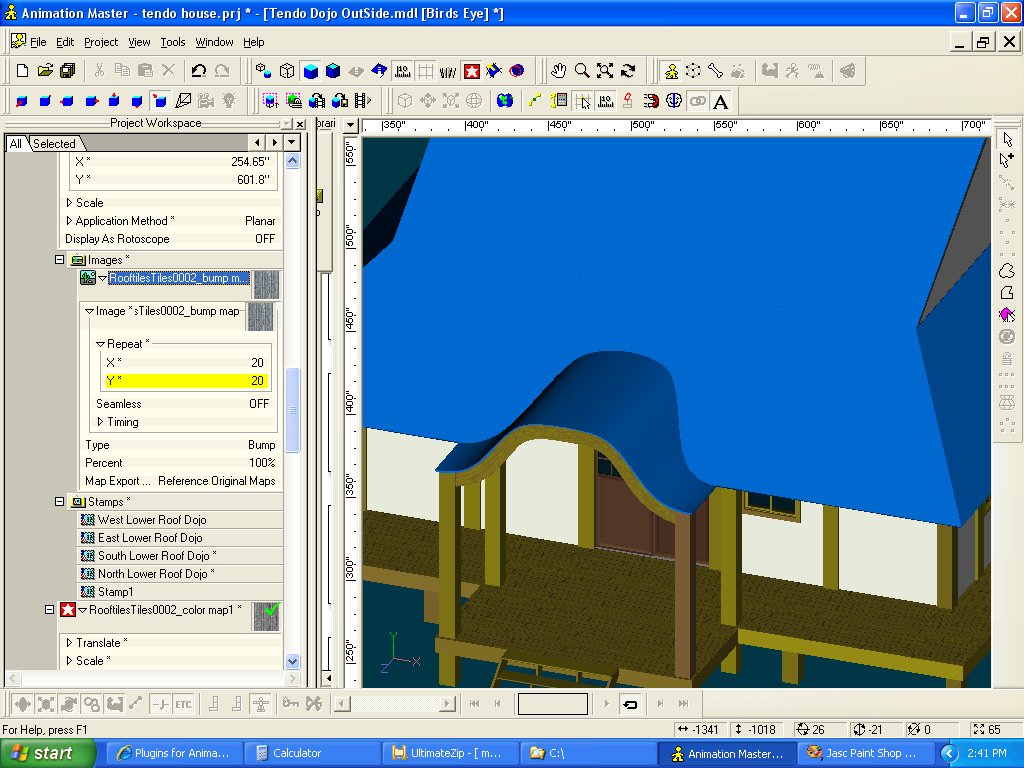
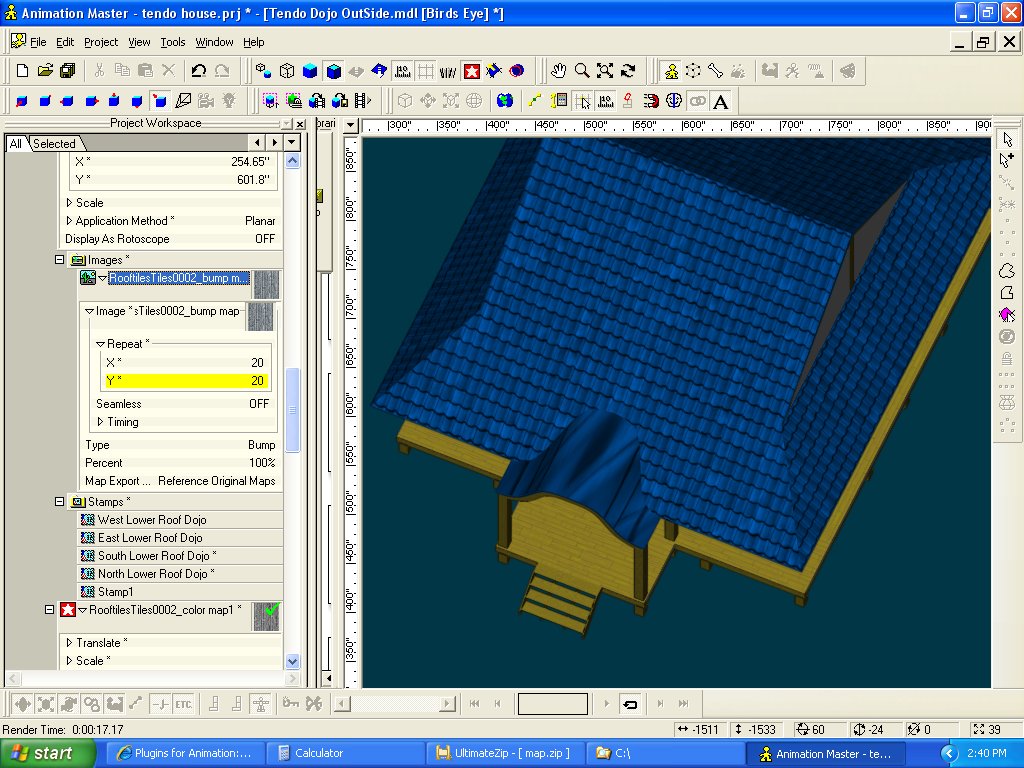
This one turned out not to have some of the flexibility that I needed. This one I did try but after realizing I had to figure out the steps. I decided to ask to see if there was a simpler way of doing this instead of eating up my hole night on this one problem. But it turned out to be the one that I used to fix the roof. This is How the spline Was set up on the roof I isolated the part I was working on and made a spline along the edge of the roof line then using the “rotate translate” I made the spline flat wile keeping the CP distance the same as the coved piece.. No images after this do to two crashes And being frustrated I forgot to take them. Then went to “Pose mode” “ON/OFF” the switched to “muscle mode” then flattened ( as you said) the model with the property. “Y=0" then used the spline as a guide and stretch the outer splines to the CP marks on the single spline that I made from the edge. Then I added the two decals one was a bump map the second was added as a diffuse map. No color map was added. Not a full render. Thank Nanncy
-
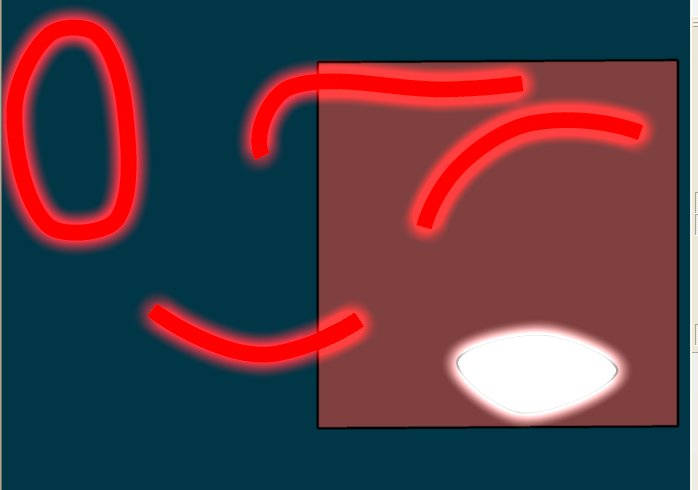
I was putting decals on my models roof until I reached this curved piece I have tried a few things but it cames out distorted. So instead of poking and hoping all night I’m posting it here. What would be your approach to applying the decals to a curvy surface?
-
I have found where it is coming from but how it is doing it is the bizarre thing. it is coning from one of the choreography. Since if I open the last choreography and start moving the light around the light in the model window moves. Since it is just an annoyance I will put it up in the AM report when it comes back up.
-
For a week I thought my eyes where going bad or my computer. Since all my models where showing in an odd shade of color. Until I made this model with out adding color groups. Then I noticed the odd spot light on the model. “This is in model mode” in 15i vers. So I opened it in 15d vers. How do I turn it off?
-
I already know of this problem If you have three files with three container in them and bring them in to a project as soon as you save them each file will have nine container each. It dose not do a good job of cleaning them out. And the purge plug-in dose not work ether. If you think you have got them all and open the project and get the same problem then you missed some files so don't save. Close it down and start looking for any file you may have missed. Also you can start a new project and add the files one by one. To check witch files you have missed. And to help you speed thing up you may want to use notepad++ http://sourceforge.net/projects/notepad-plus/ I tried to find an INI's editor but the only one I have found was a old one set up for a game. to bad we don't have one set up for A::M files it would make it a lot easyer to fix and clean up the files.
-
Should have used a picture. It would have saved me 15 minutes and a headache from banging my head ageist the monitor. I could not figure out where the {Model Mode} was until I looked up and saw the little guy and remember him being called that. thanks
-
If you have a the web version/upgrade you can also use a three ring binder. Down load the web help files, print them out (double sided if you can) get a hold of a three ring binder and a three ring hole punch. And there you have a manual that dose the samething. But you can replace pages or add your own note pages as you see fit.
-
I ran across the same problem a short time after I upgraded. In this case I was in choreograph I think but I have not seen it happen since. Right now Im just keeping an eye out if it happen again.
-
Thanks guys I was hoping to see something I had not found or tried yet but thanks anyway. Also I have add the trick I found to the AM report as a new feature Shelton You may also want to look at this if you have not found it yet. http://www.hash.com/forums/index.php?showtopic=33630
-
I will be needing to make some neon signs. I have figured out how to make one using render as line and adding glow to it in notepad but if you save the file it deletes the glow entre. I wanted to see what other options there are to make them?
-
Turn on "Show Manipulator Properties" button in the toolbar. Get the pivot point of the snap grid or use 0,0,0 Group-select the CPs. move the group near the grid point. Because as you enter each of the coordinates the group will jump. [sHIFT]-Click on the CP (within the group) for which you want to define coordinates. Enter your values for X, Y and Z. The [shift] selected CP will move to that location and the rest of the group will follow along. Hope this will help. This is HomeSlice I just cleaned it up.
-
[ Thank that answered the question. I will have to give it a try
-
I am setting up a complicated stage. It to be a city. In the choreography I can have multiple copies of the same building or prop. I was wondering if this can be done in the model window. So you can build a complex building with relatively few parts. And low CP count. Before you drop them in the choreography. Or is this only possible in choreography Also is there a place to change the model file defaults so the “Toon Shading (Method)” can be set to standard when I make a new model?
-
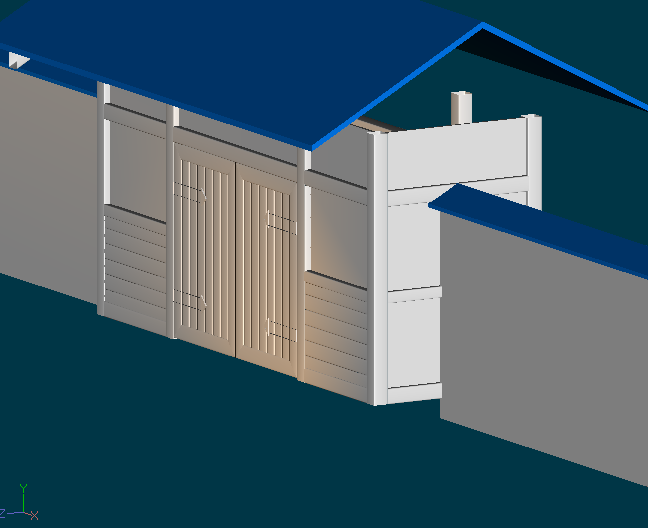
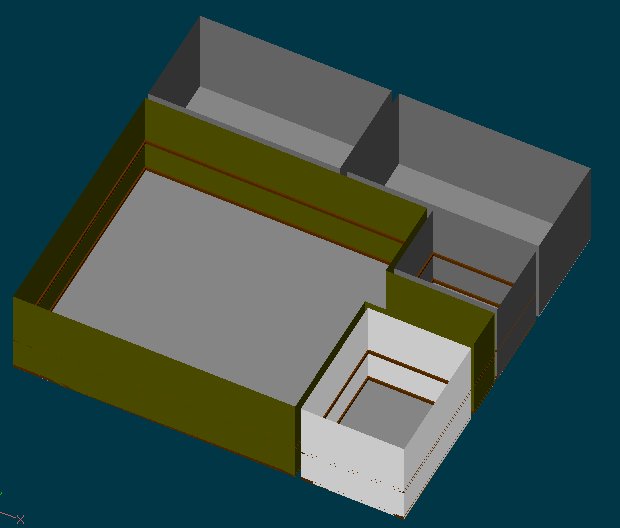
apartment.mdl Try and make all elements as separate simple pieces . Like I did with chair rail. I made a box then stretched it along the room. This allows you to put them in the different group easier. If you don’t, you will be pissing and moaning if you hit the select all button. Also it makes changes allot easier. Always make the ceiling and floor separate pieces. This is so you can hide them during modeling and choreograph as needed. Keep the rooms separate so when you are done with the model you can separate the rooms into there own stages if needed.
-
That is the workaround. I was hoping to find something that I can do this faster That was already done. I did find this problem a little while ago and A:M is working on it. But until they fix it and release it. I still need to work on my project. But I have found a faster work around. (See bottom) When you said that It reminded me of something I saw when I was looking in the model file. THANK GOD FOR NOTEPAD!!! First there are multiple problems going on. In the model file there is two sources for the pivots Pivot=2.50334 2.54 0.000264883 (this shows the groups true pivot) but this dose get a little wonky when you groups select.. It will also be missing if you copy and paste. Matrix=1 0 0 2.50334 0 1 0 2.54 0 0 1 0.000264883 ( this contains the pivot for the translation point ) If this is present it will override and show its pivot point instead of the groups pivot point. This also gets a little wonky when you groups select. It also is added when coped and pasted so you don’t get the groups pivot point And there is no option to select which to see or to reset back to the groups pivot point. All this and the wonkyness I will leave up to A:M to fix. Solution But you can get the groups pivot point back to the groups. (use note pad) If you get the name of the groups that has the problem and look in the model file.(Name=XXXX) Delete the Matrix under the group name if it is present. And to be on the safe side Delete the Pivot under the group name. If you coped and pasted the group the Pivot will be missing. Then save in notepad and then open in A:M then re-save the Pivot’s should restore. Warning if something is relying on the Matrix, or the translate pivot point don’t do this.
-
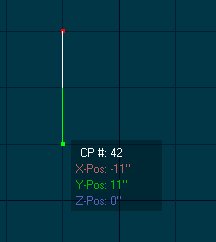
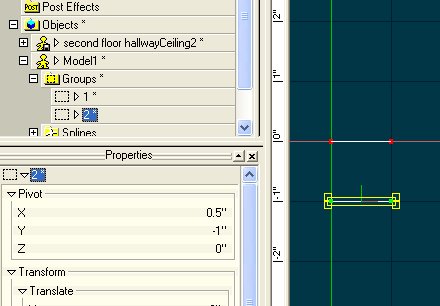
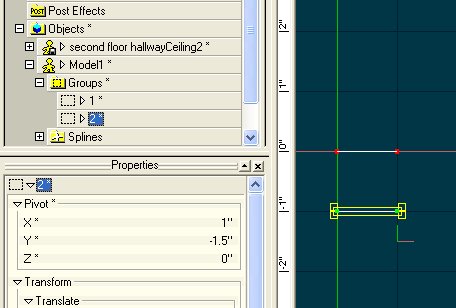
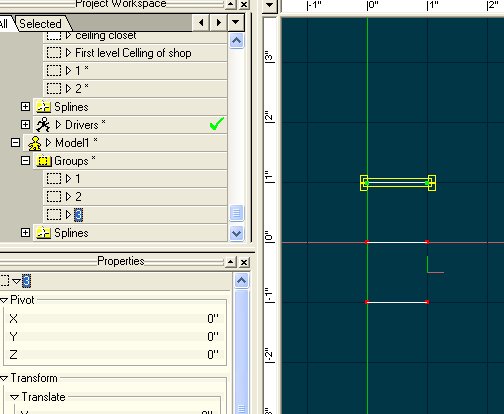
I'm running 15 .0f on windows Just in case this is relevant. First I make to lines then put them in two groups (1,2) Then I select both. That changes the pivots That happens ever time I try to move more then one group at a time. When I copy and paste them ether in a model or to another model the pivots changes to 0,0,0 This is a copy of group (1)=(3) Also any material (user set) Transfom, translates resets to 0,0,0