Xtaz
-
Posts
1,836 -
Joined
-
Last visited
-
Days Won
12
Content Type
Profiles
Forums
Events
Everything posted by Xtaz
-
This was my entry in contest .... thanks for your vote !!!!

-
Here it is ... light_paul.zip
-
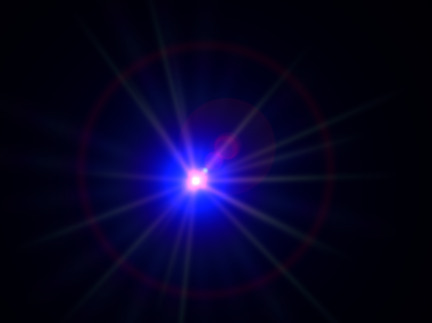
Hi Paul ... create a new light .. go to properties then expand options.. turn lens flare ON ... setup controls ...
-
Fantastic Model and materials ... you inspire me !!! Im one of the members of SFC (Stian Fan Club)
-
Hi Mark ... Im rigging the biker now .... Im finishing step 3 and i noticed the 'hide_green_arm_install_bones' isnt hiding 'right_bicep_flexor' .....
-
Hi Tom ... Welcome aboard ... I animated a karate scene in 2004 using rotoscope ... you can check it clicking HERE
-
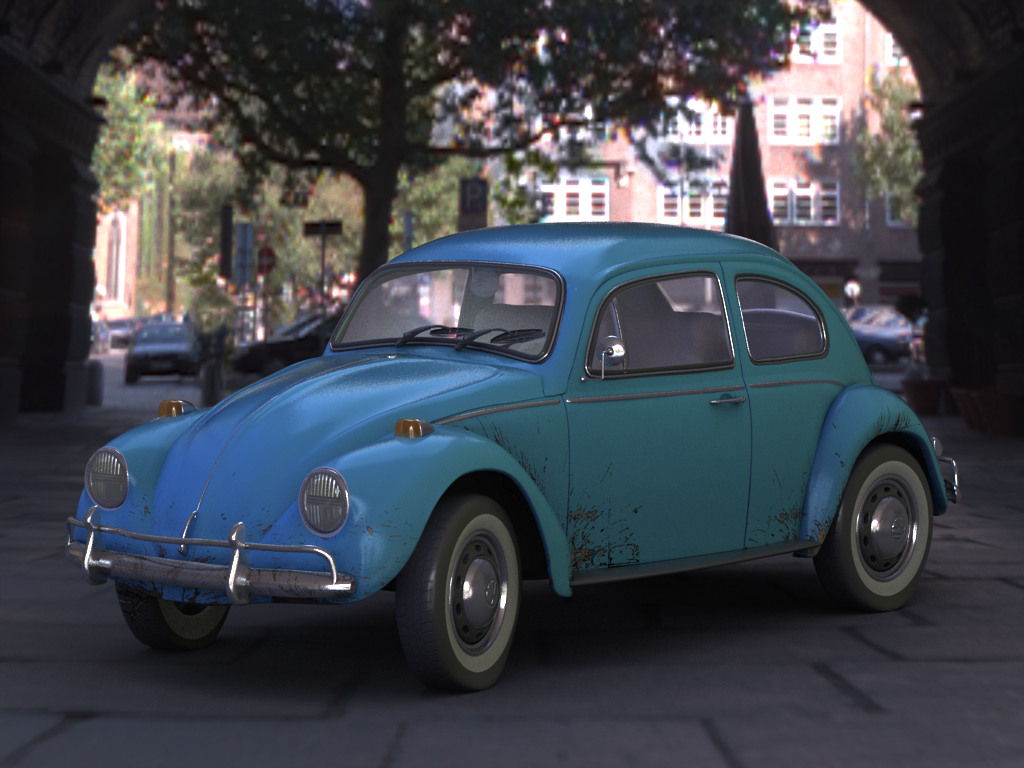
Hi Strohbehn.. this is an old project that I retook. this is the ninth car that I model and I take on average 50 hours to finish them No secrets here ... I use just native model's materials bodywork: Diffuse Color - RGB 200/200/200 Specular color - RGB 255/255/255 Specular Size - 5% Specular Intensity - 100% Reflectivity - 10% black pieces: Diffuse Color - RGB 95/95/95 Specular color - RGB 255/255/255 Specular Size - 100 Specular Intensity - 20 Roughness - 10% RoughnessScale 20%: Chrome: Diffuse Color - RGB 187/187/187 Specular color - RGB 255/255/255 Specular Size - 100% Specular Intensity - 100% Reflectivity - 70% Tires : decal I created a material with Enviroment map and HDR image and used it in bodywork and chrome: Opacity - 35 Additive - ON I used the same HDR file in Global Ambiance - IBL: Ambience Intensity - 150% Ambience Occlusion - 95% Mapping Type - Light Probe Exposure - 1.2 Thnaks for your words Stian.. I admire your works.... I am setting up a gallery of cars that I will put for sale later with a tutorial of how to model cars. Thanks all ....
-
Hi Hashers ... I finished to model and texture a new car - BMW X5 / 2004 - to my gallery now I will do some tests using it in a live scene ... comments are welcome as always ....
-
Nice start Stian .... I was driving yesterday when I crossed with a Volvo, I was looking at it and thinking how would be interesting to model it. You were faster. I see that my style of mechanical modelling differs of yours... I begin on the side then I make the front, rear and top. Can we see wireframes ?? keep updates coming...
-
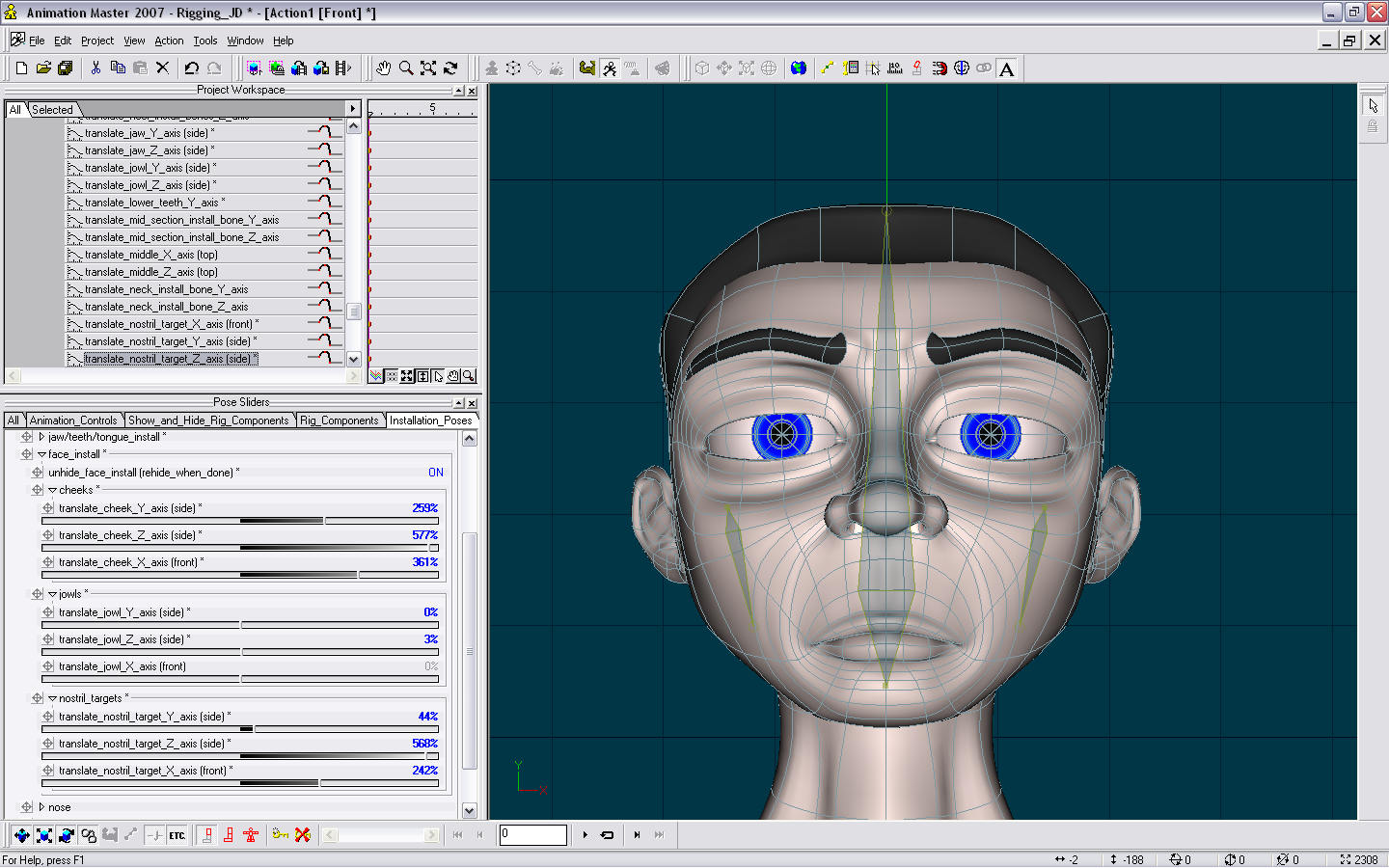
Mark .. i believe that you are a little tired ... i have more um comment .. I promisse it will be the last for today when I unhide face install it doesn't show jowls' bone ...... Did I miss something ?
-
Hi Mark ... You wrote in POst #5 "Translate cheek/jowl/nostril target on the Y and Z axis. (side view)". I believe that the attached image is wrong .. it shows front view ..
-
Nice and simple start ... thx Mark ... I noticed that the hair's normals needs to be flipped...
-
Can I use five finger rig in a character with four fingers ??? Kong is an amazing model ... this tutorial will be great !!! Thx for you effort...
-
Hey Mark ... I'm in !!!! I intend to re-rig Pzu to new animation ... actually, if you want we can use him ( it ? ) in this amazing tutorial ... Then i donate it to Extra DVD ....
-
I'm trying to use squetch rig in Pzu Im using v14 beta 2 what i did ... 1) opened model ( Pzu ) 2) imported "v13_Five_Finger_Squetch_Rig_Posable_Installation_03_05_2007" model 3) followed all action' step 4) exported model as Pzu_pre_squetch 5) started new project 6) imported Pzu_pre_squetch.mdl 7) i found and deleted installation relationships folder but where's installation pose sliders ???? 8) where can I find " v13_Five_Finger_Squetch_Rig_03_05_2007_relationships_installation" model ???? this is my first attempt using squetch rig then I ask you patience and excuse for the cretin questions. many others will come
-
I'm debuting with Squetch rigs right now .. and I must say only one word.... it's BRILLIANT !!!!!!!! ouch ...were three words ....
-
Hi Ken ... AVI doesnt support alpha channel ... you must use MOV format to enable it..
-
Hi Robert .. I dont know if I understood correctly ... are you trying to simulate spinning props ???if it's the problem I advice you to know MUFOOF ..
-
each post of Rod has 120 characters on average, then he already typed approximately 1.164.000 characters. Let us say that he types 3 characters a second then he just spent writing at the Forum 291.000 seconds or 4850 minutes.... Thanks for your effort Rod !!!!
-
thx friends !! Dhar and Daniel - would you sell a dirty car to your customer? Just kidding I agree whit you ... as I said before.. I will render a more realistic scene later ( this includes the dirt / ding ). Thx again ....
-
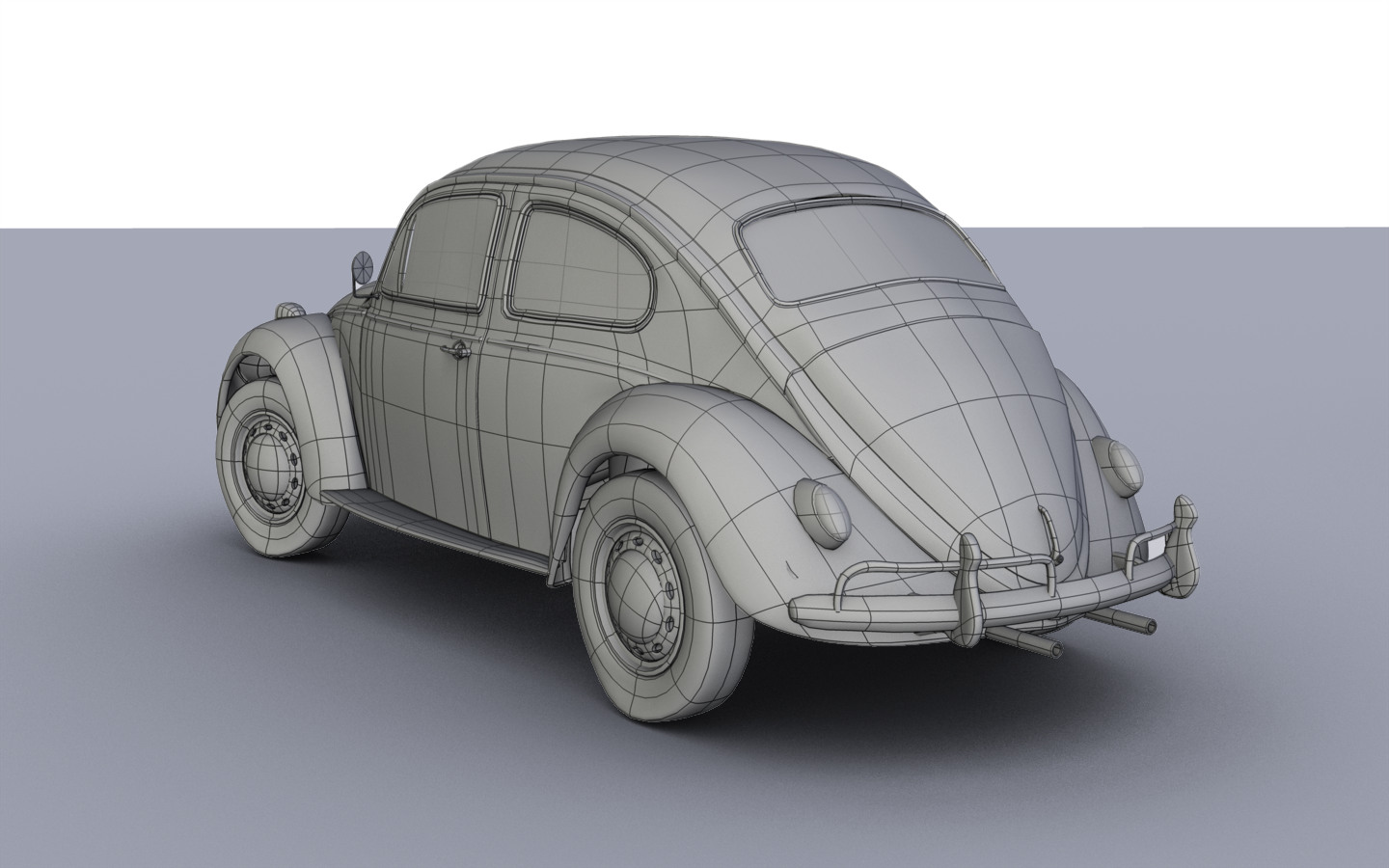
Nice model. Can we see a detailed wireframe ???
-
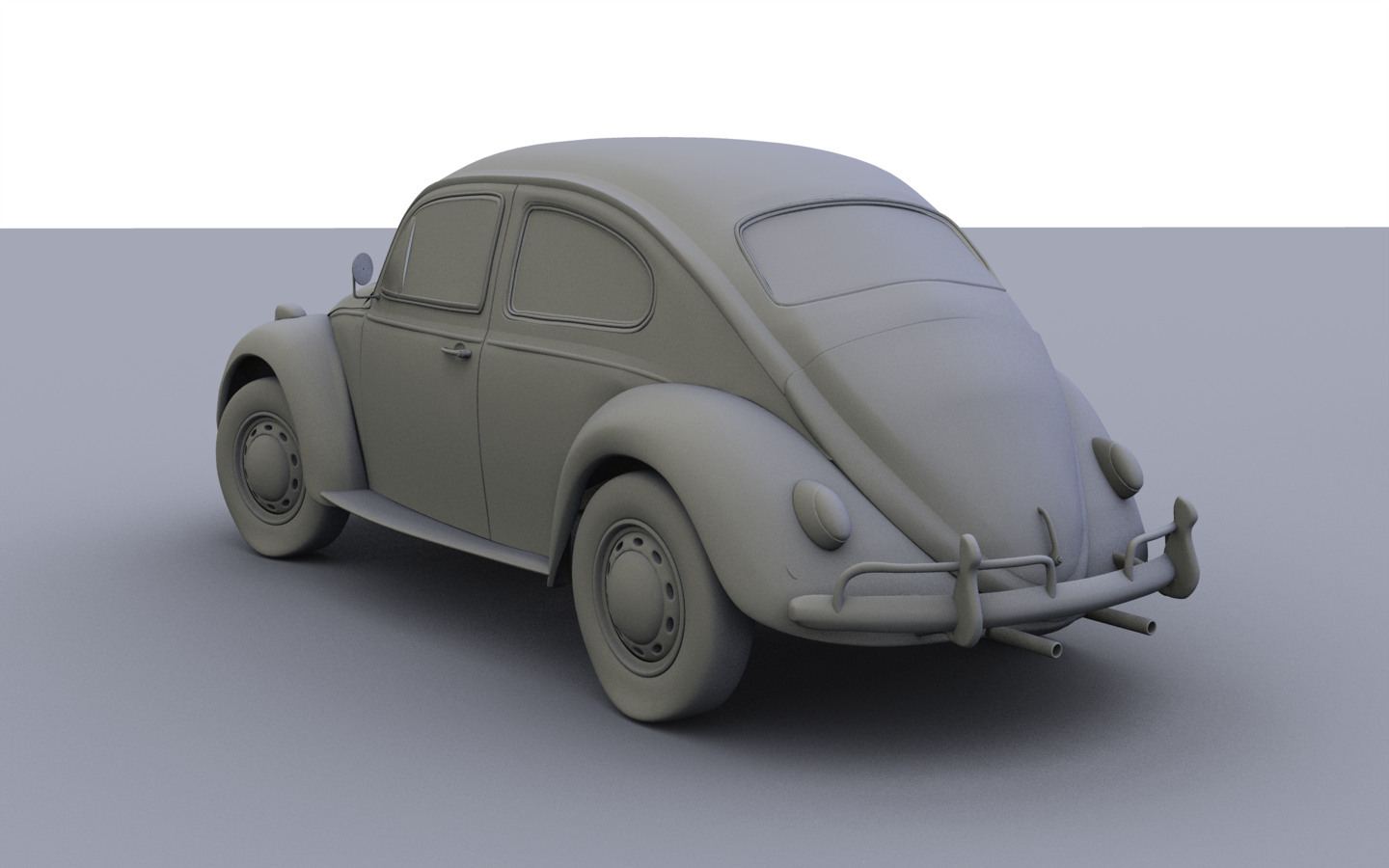
Hi again spliners ... I modeled this some months ago, now I was authorized to show it... I am determined in two projects ( private and TWO ) but when I have a time I will make a more realistic render... for while this is the result without texture ( in this update still there were problems with the mesh ) textured ( final ) Thx
-
Stian !!!!!! You amaze me ..... congratulation another superb model !!!!
-
Thanks Masters... Thank you very much Greg for all tips .... where the tiles get bigger and fuzzier towards the camera. This is my major problem in this image .... I used one sphere to simulate enviroment, this sphere have a projection map material ( hdri ). I needed to use the native ground model to apply the shadows... the ideal would be to use the front projection target, but this option only works with rotoscope. I tried to use shadow only optio/ Shadows buffer but it seems doesnt work with GC or IBL .... THEN i aplied a decal in the native ground and used it ... Is there way to solve my problem ???? How do i do to set native ground just to receive shadows using IBL ??? Thank you again ... your comments are quite important.....