

cronos
-
Posts
333 -
Joined
-
Last visited
-
Days Won
3
Content Type
Profiles
Forums
Events
Everything posted by cronos
-
Gradients folder on AM 15.0e WEB ??? , not found it in my installation Anime.gra ?? Cartoon.gra ?? Thermo.gra ?? Three-Tone.gra ?? Two-Tone (hard).gra ?? Two-Tone (soft).gra ?? Two-Tone (with line).gra ??
-
nice animation thanks for your comments
-
really not but I decided to donate the character full rig character (it use my Rig) mery christmas to all Character_AM_V15.0E.ZIP

-
I upload it to youtube http://es.youtube.com/watch?v=DJgoVfapGVE
-
old character animation remember this ?? 3dmx_256x172.mov
-
SSS is my favorite AM feature
-
I received a temporary AM V15 license thanks for your help !!! ( hash team )
-
my laptop ( hp Pavilion dv6000 ) doesn’t work (hardware problems) , i send it to hp repair , they tell me repair it in 30 days but i need work at Animation Master , a friend borrow your computer , i need a temporary AM V15 license For 30 days , It is posible ????
-
Thanks for all the nice comments! , Animation Master v15 is really powerful and easy to use
-
seeing models is a nice form to learn tips
-
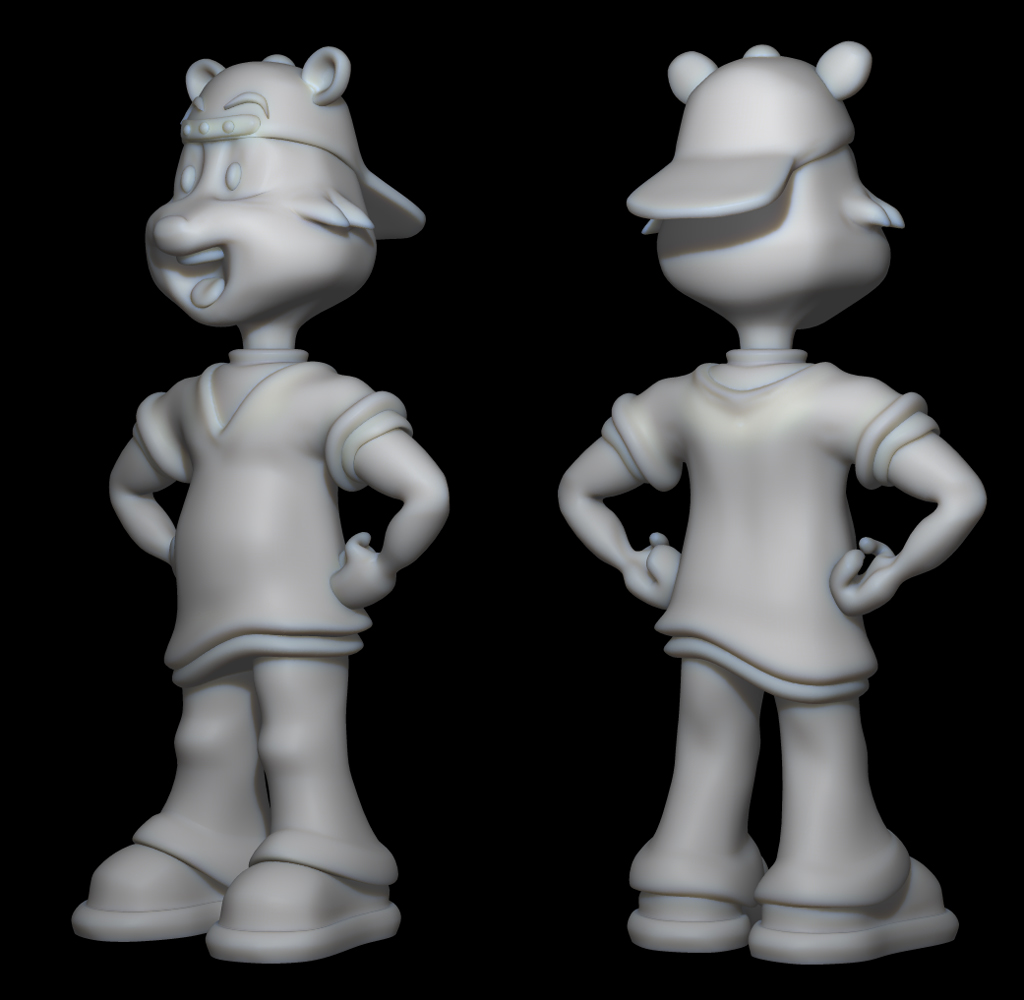
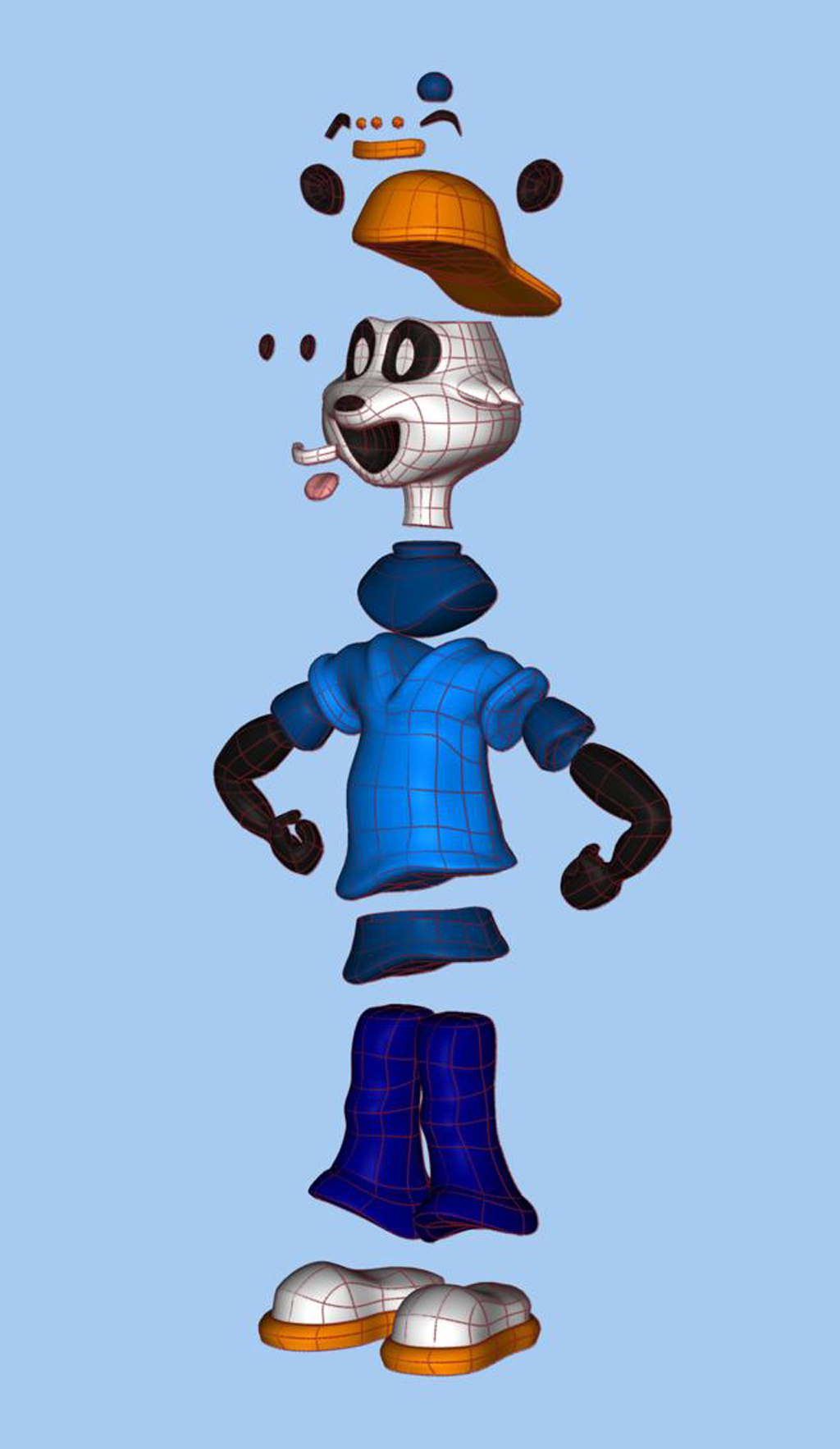
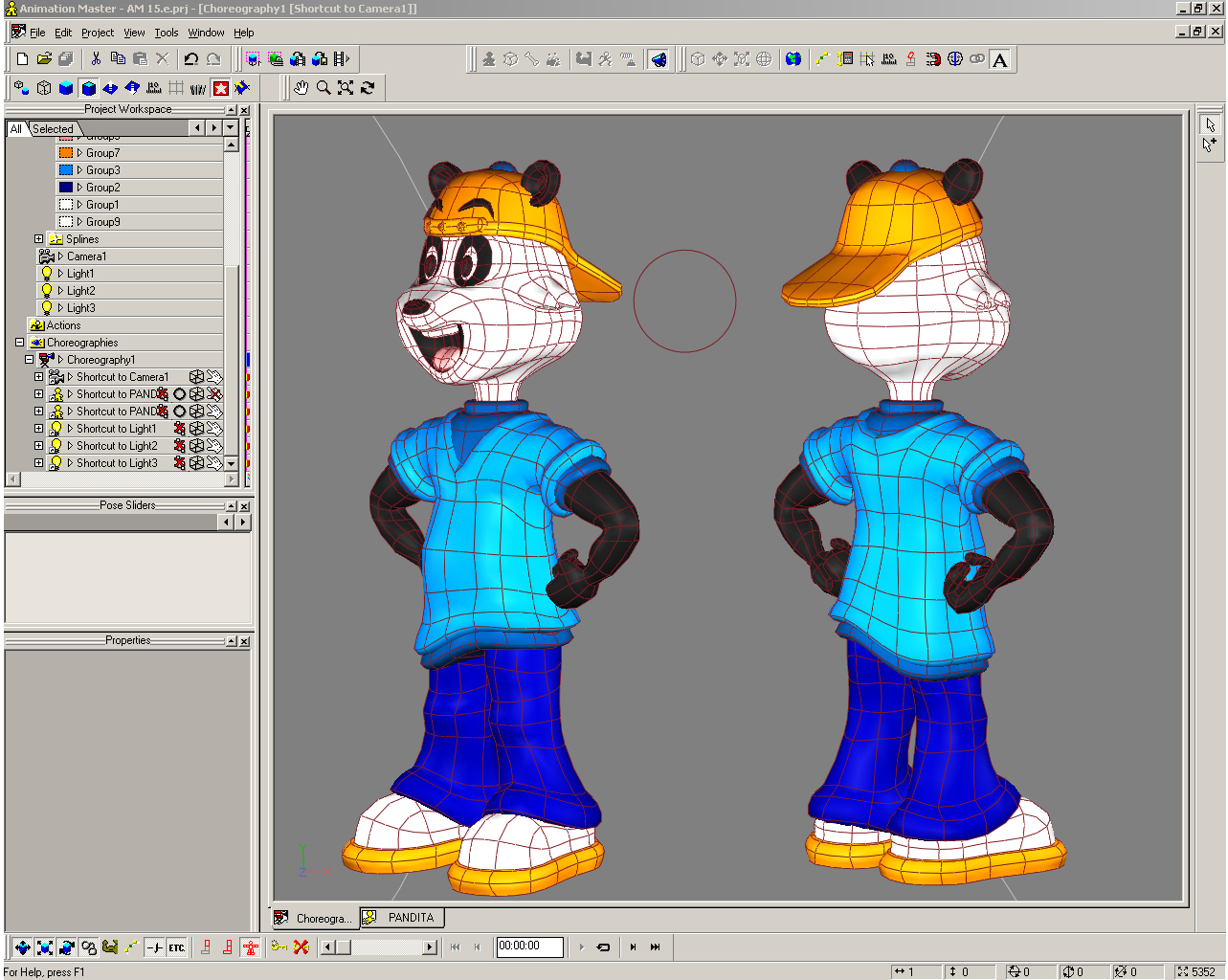
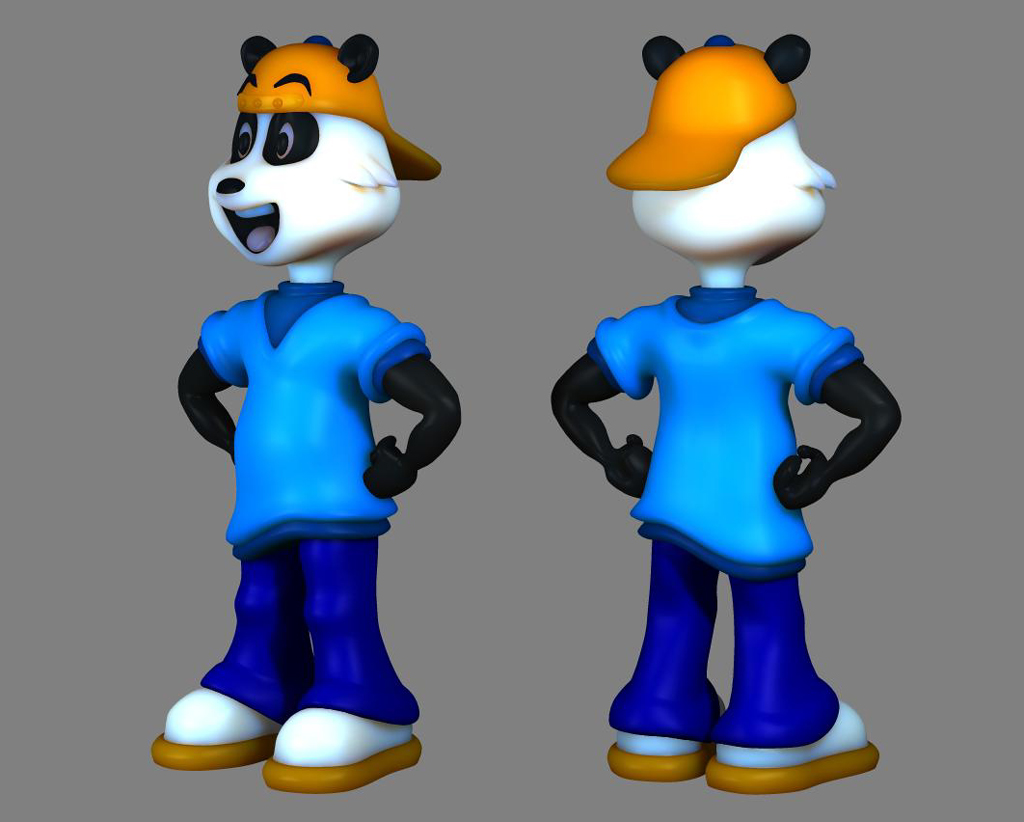
I decided to donate the character Thanks For The Comments !!! AM_15.e___Panda_Character.zip
-
panda character Using a Sub Surface Scattering rendering
-
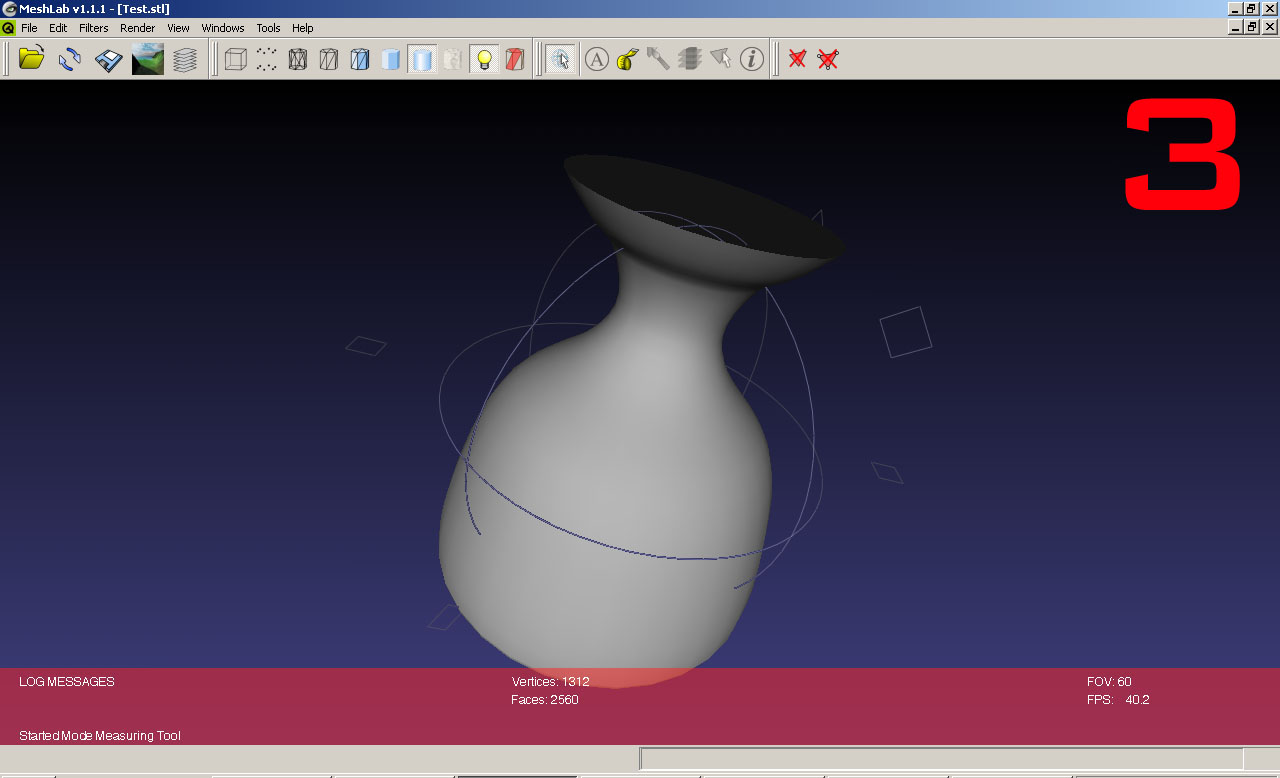
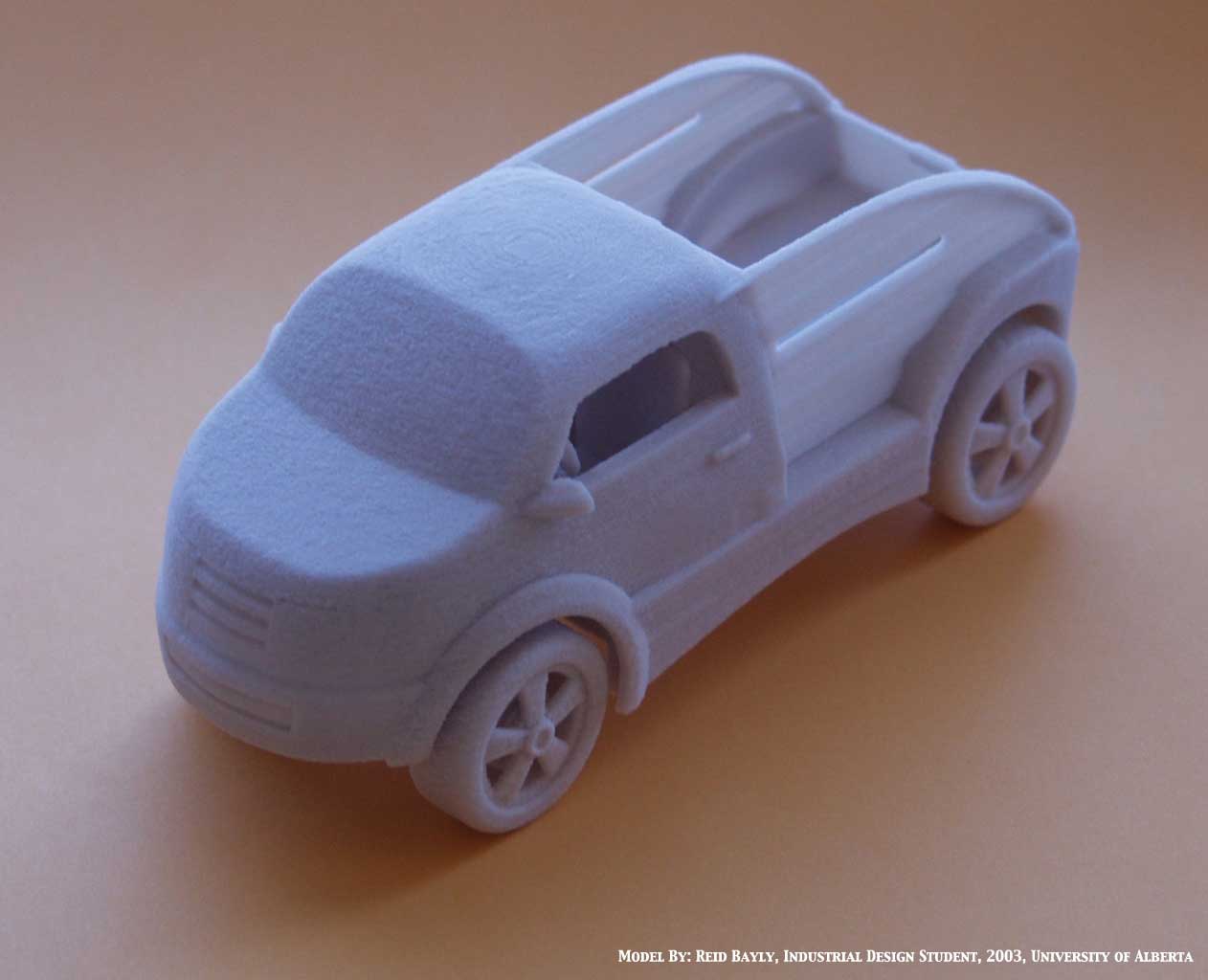
i use next steps 1 - i make a model in AM an check the normals , export it with AMXText plug in to .X file format 2 - import it in Ultimate Unwrap 3D and export to STL file format 3 - Open the STL file in MeshLab for check the model 4 - send it to 3d printer
-
how is the best form to export a model to STL ( Stereo Lithography Files ) ??? MDL to STL ??
-
i recover it from a backup , it lost small things , not is a trouble Thanks, guys !!! alway make a backup your work hard but true
-
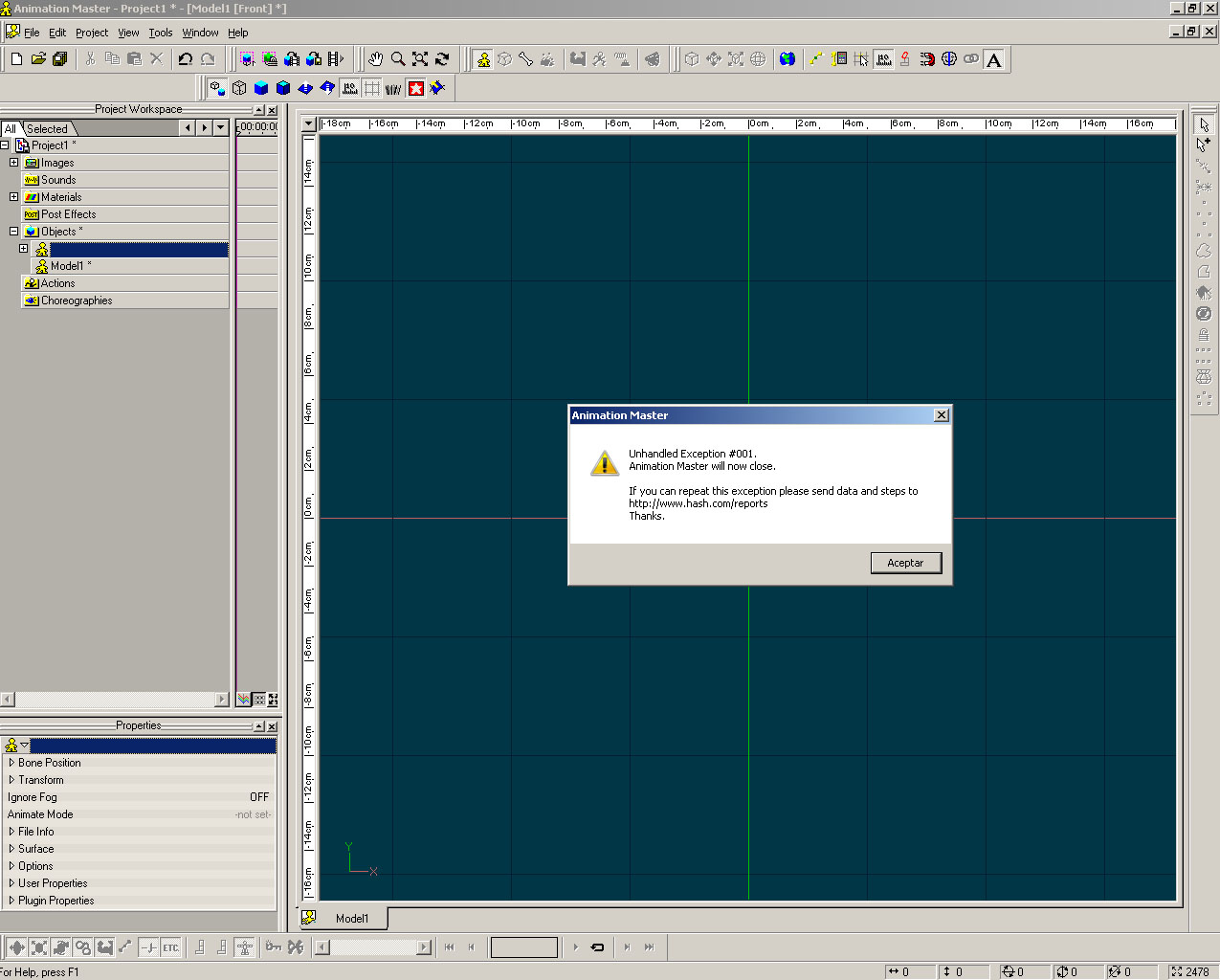
i need open it , is my work week ( Unable open file- error ) ??? is a .mdl file momia_George_ok_v_15.zip
-
Soulcage Department Christmas Rabbit 2008
cronos replied to Elm's topic in Work In Progress / Sweatbox
nice work -
Normal mapping is a type of bump mapping that involves a normal map, an image that contains an XYZ direction vector ( normal vector ) at each pixel to be used in polygon surface lighting calculations. Some types of bump mapping are done without a normal map. With all types of bump mapping, the goal is to increase surface lighting detail without adding more polygons or vertices
-
I use CamStudio ( Free Streaming Video Software ) to make the video http://camstudio.org/
-
i make a small video tutorial remember is an experiment Fake_Sculp_Patch.zip
-
really nice , how make your background image ??? is (HDRI)
-
Fake Sculpt Patch , is an experimental (Subdivide Patch) is different than another's PATCH 3, 4 , 5 points you can Sculpt it to add details over the Patch with optimus results ( only Subdivide the Patch that you want modific )
-
test 3 nice for big terrains thank you comments Fake_Sculpt_Patch.prj
-
another test _AM_v14_2.prj
-
Make a Fake Sculpt Patch Experiment test _AM_v14_.prj