

cronos
-
Posts
333 -
Joined
-
Last visited
-
Days Won
3
Content Type
Profiles
Forums
Events
Everything posted by cronos
-
Fantastic job !!!
-
16 - if you need paint over 3d model uses 3DPainter 17 - 3DPainter Can Make Automatic UV Mapping (special - Decal Tiles) 18 - activated Multi Pass 16 pass 4x4 if you use 3DPainter Automatic UV Mapping

-
Help for your SSS render
-
thanks for all comments 12 - is important you count with good texture bank ( http://www.cgtextures.com/ ) 13 - always combine textures for better results 14- I recomend use Gimp or Photoshop to combine textures 15 - Textures = Faster Renders , Materials = Slow Renders
-
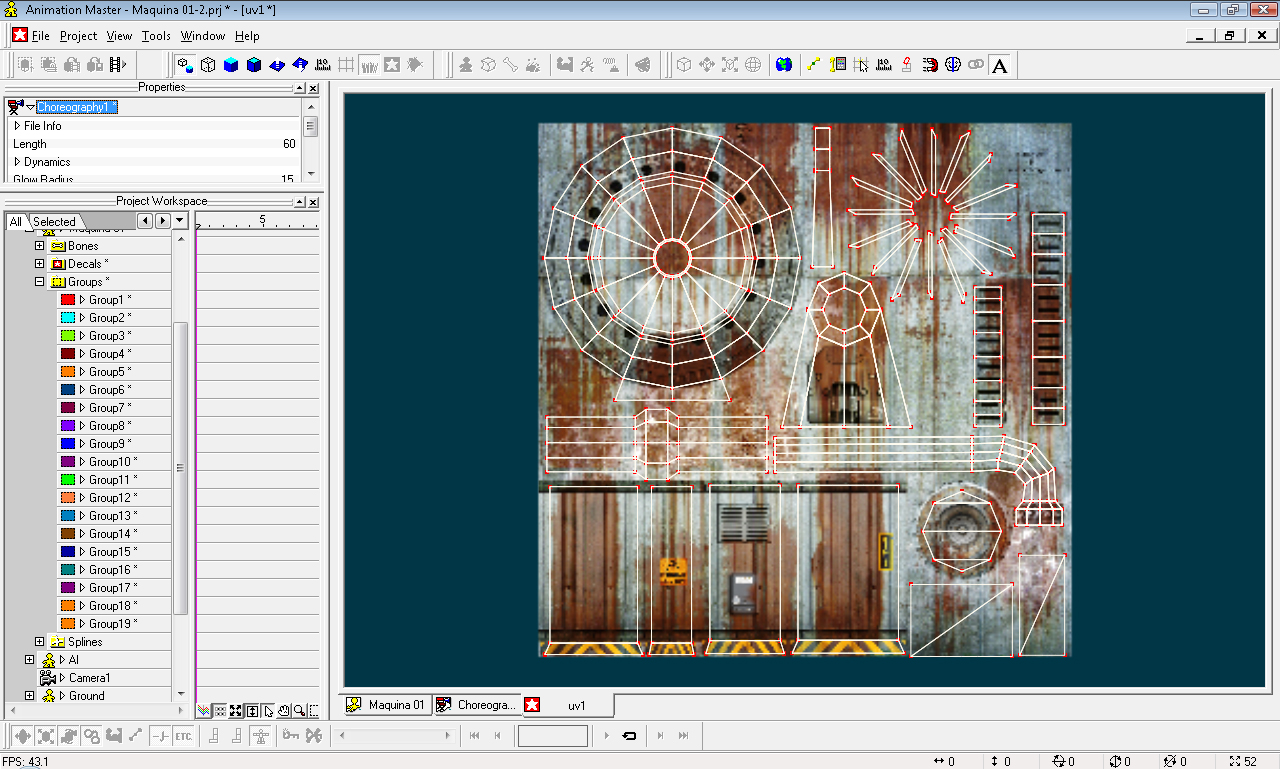
10 - is important to use UV mapping , for your textures (is more easy paint it) 11 - Flatten is usefull to make UV mapping - read TECHREF.pdf (ftp://ftp.hash.com/pub/docs/ ) pages 129 to 131
-
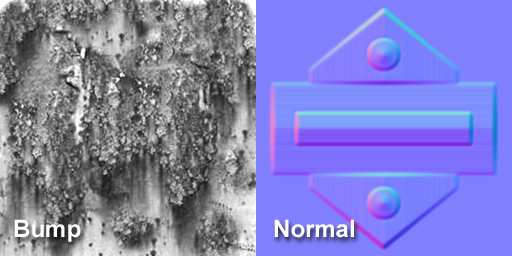
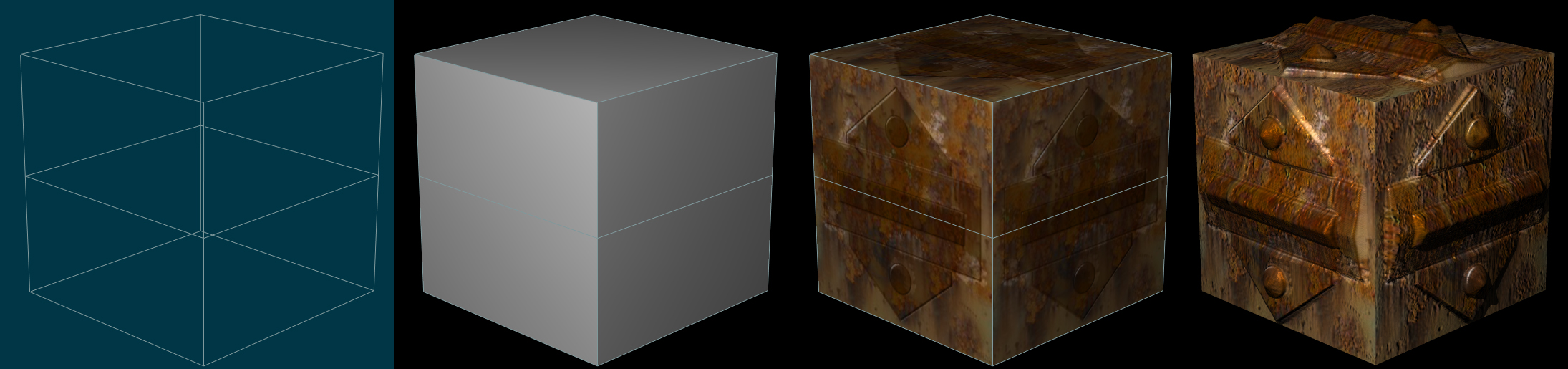
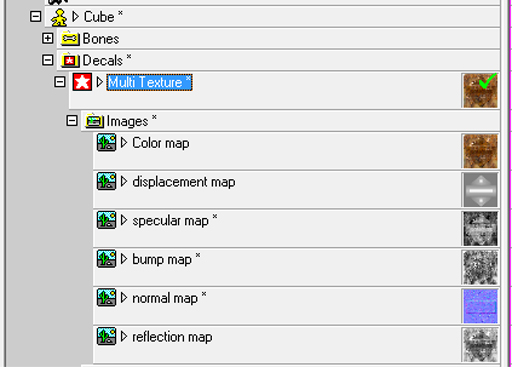
my experience wiht Milti terture is experimental 100% , I am not sure , but I obtain better results when use both textures normal map is affected per to light differently than a bump map , if you use both textures you obtain a better results some times I use the bump map for add diferent details , bump map is a totally different image (texture)
-
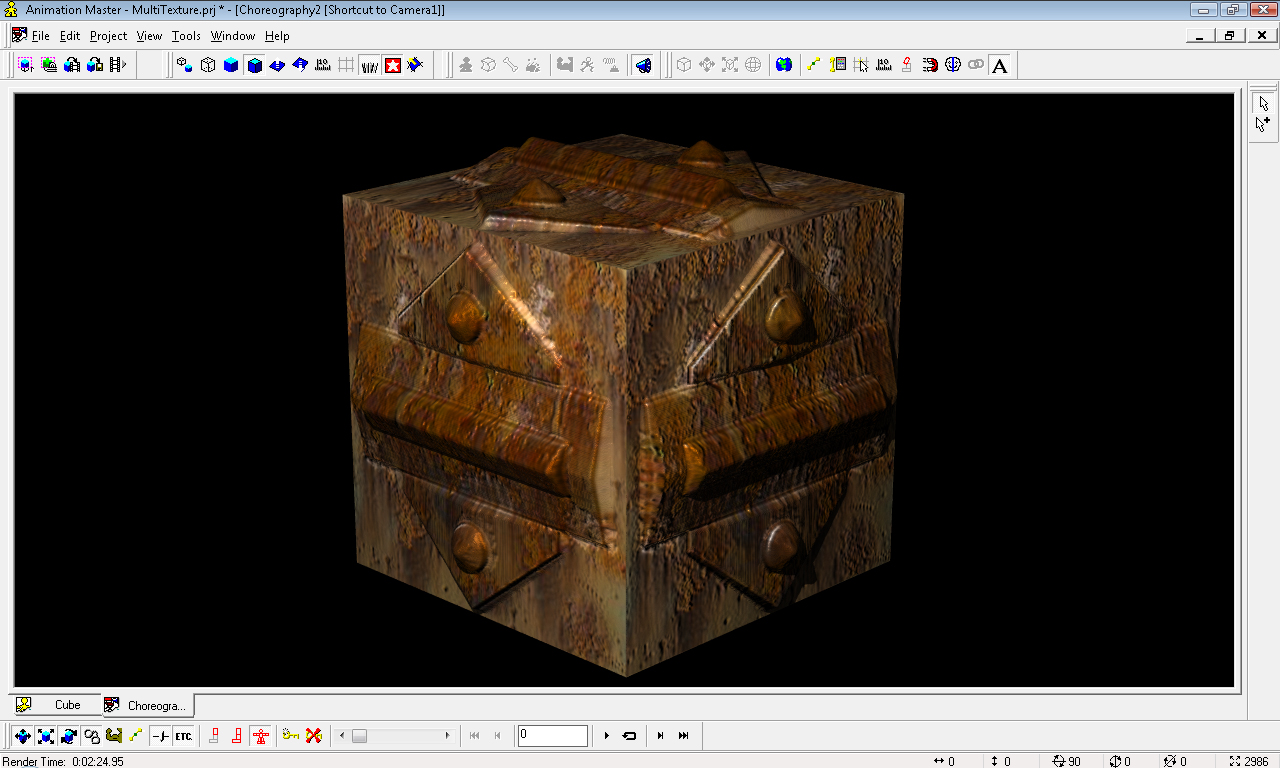
the Animation Master Project - require V14 or Later (V15) to open MultiTexture_AMV14.zip
-
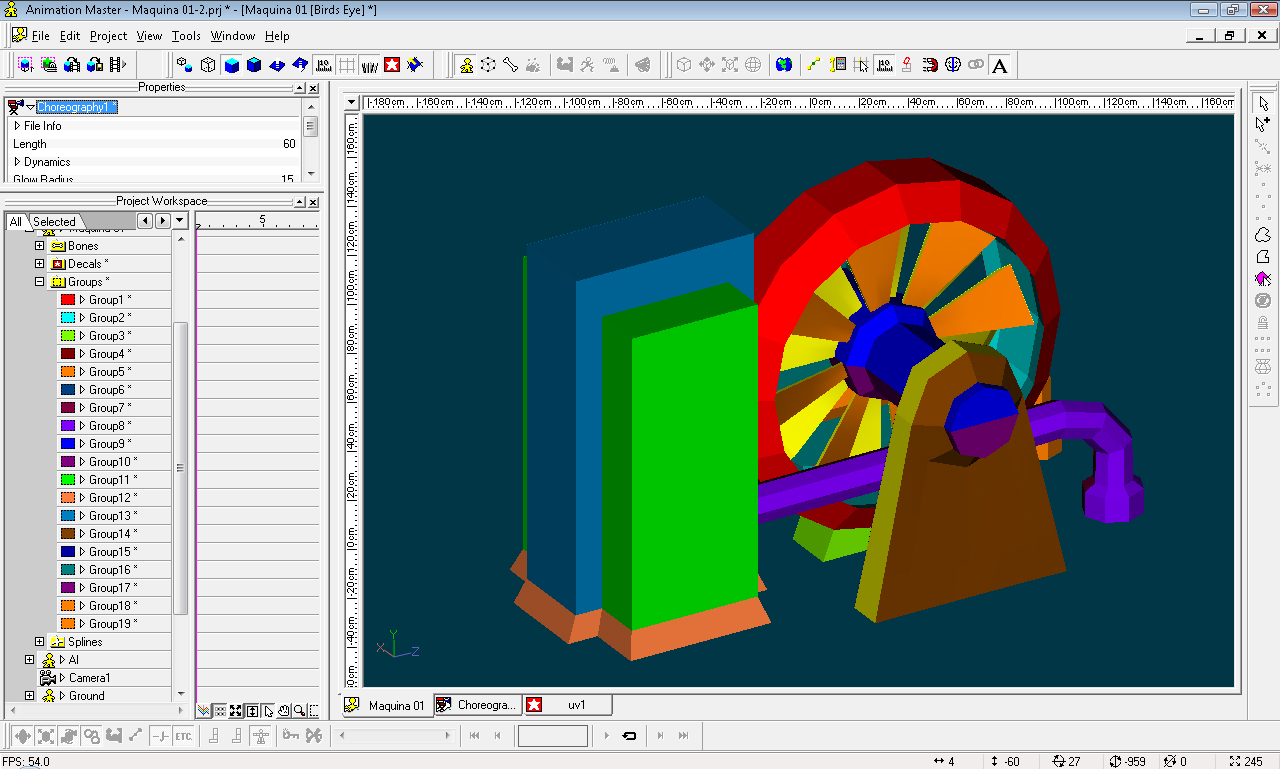
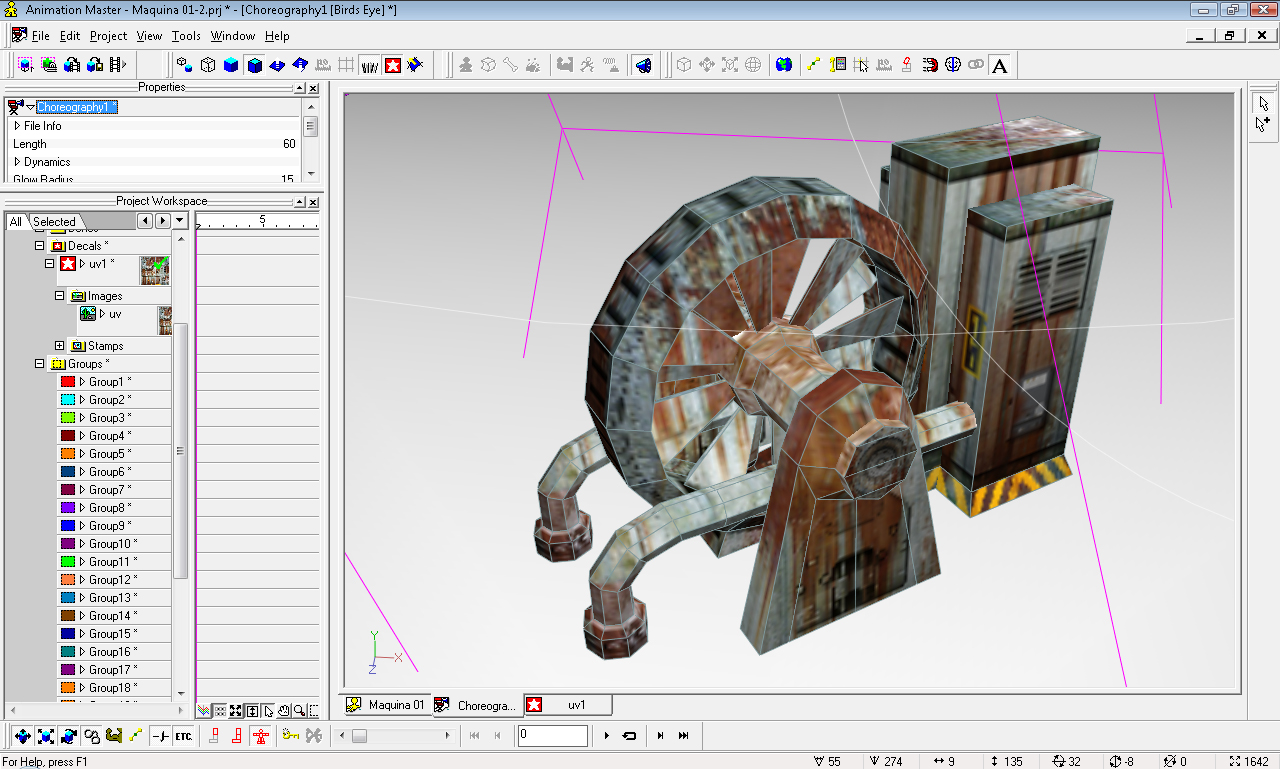
Tips for make big textures an small tutorial multi texture 1 - is important you use more than one texture 2 - i recomend minimum 6 layers for optimus result 3 - i recomend (Color Map + Displacement map + Normal Map + Bump Map + specular map + reflection map) 4 - the Color Map and Displacement Map are the most important, you dedicate more time at it 5 - make big textures take some time you needed pacient 6 - minimum 1024 x 1024 Texture Size , Recomended 2048x2048 Texture Size 7 - Dowload an read TECHREF.pdf (ftp://ftp.hash.com/pub/docs/ ) pages 60 to 67 8 - CrazyBump to make nice Normal Map 9 - 3DPainter is great help to make big textures
-
Movie Project on Mexico¡¡, We need youe help.
cronos replied to Jaff's topic in Work In Progress / Sweatbox
I love Animation Master , I love hash forum people , I do not like the lies "under any circumstances" this post is my personal opinion only -
great job !!!
-
Movie Project on Mexico¡¡, We need youe help.
cronos replied to Jaff's topic in Work In Progress / Sweatbox
i decided not work for them anymore , they Are Not Nice People!!! this post is my personal opinion only -
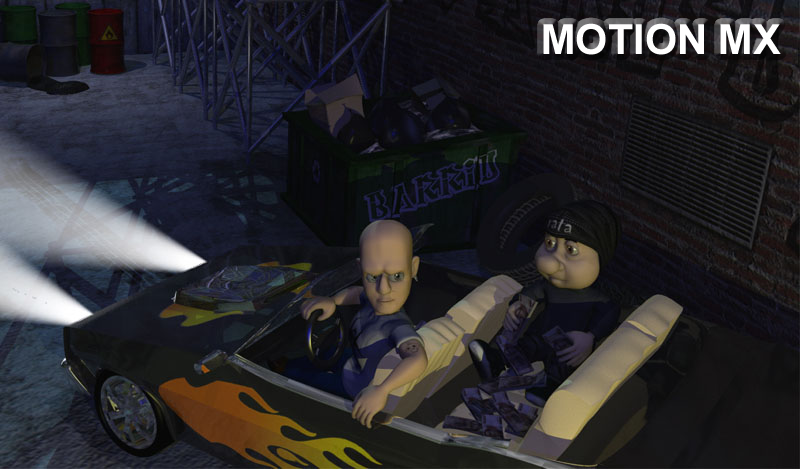
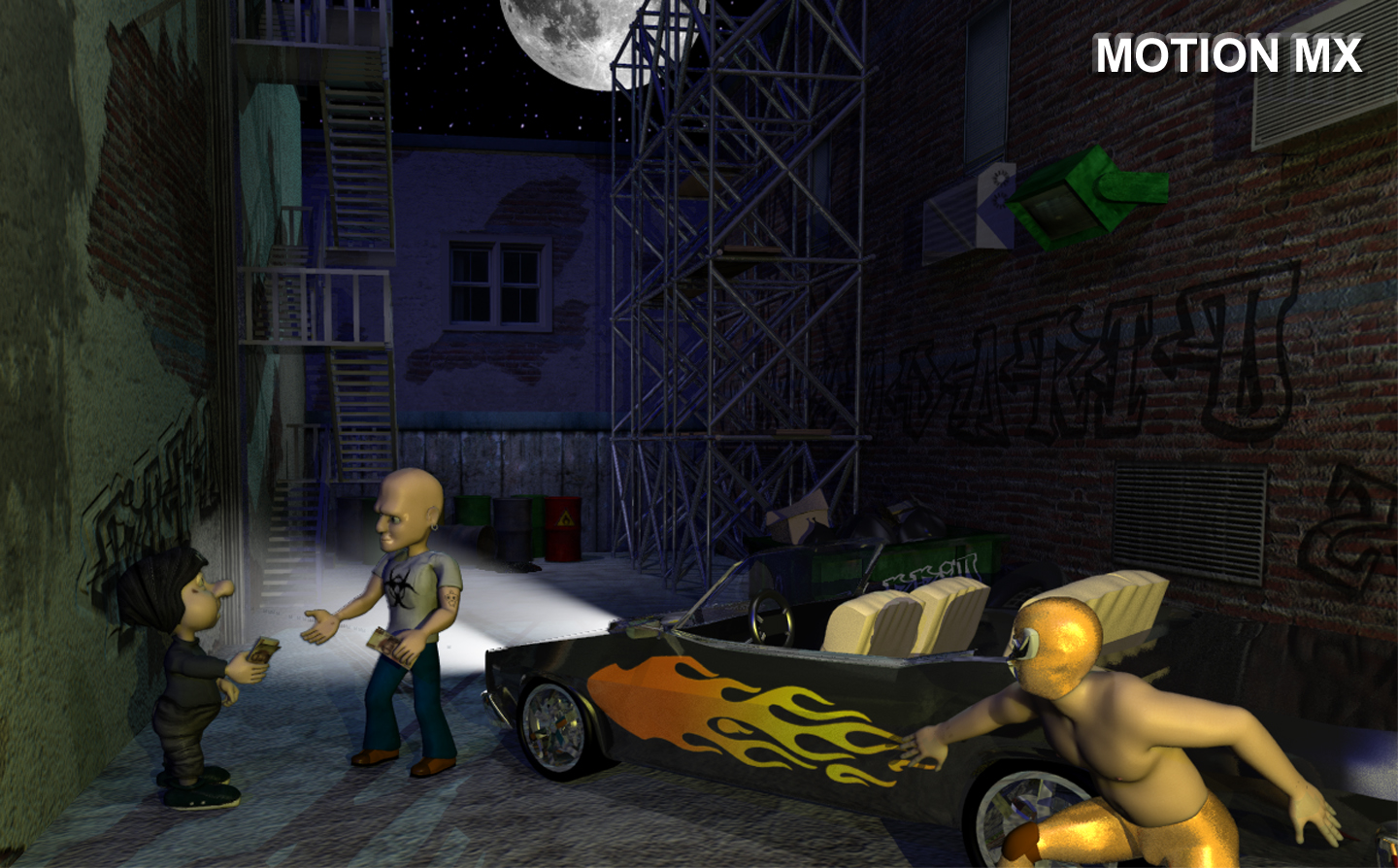
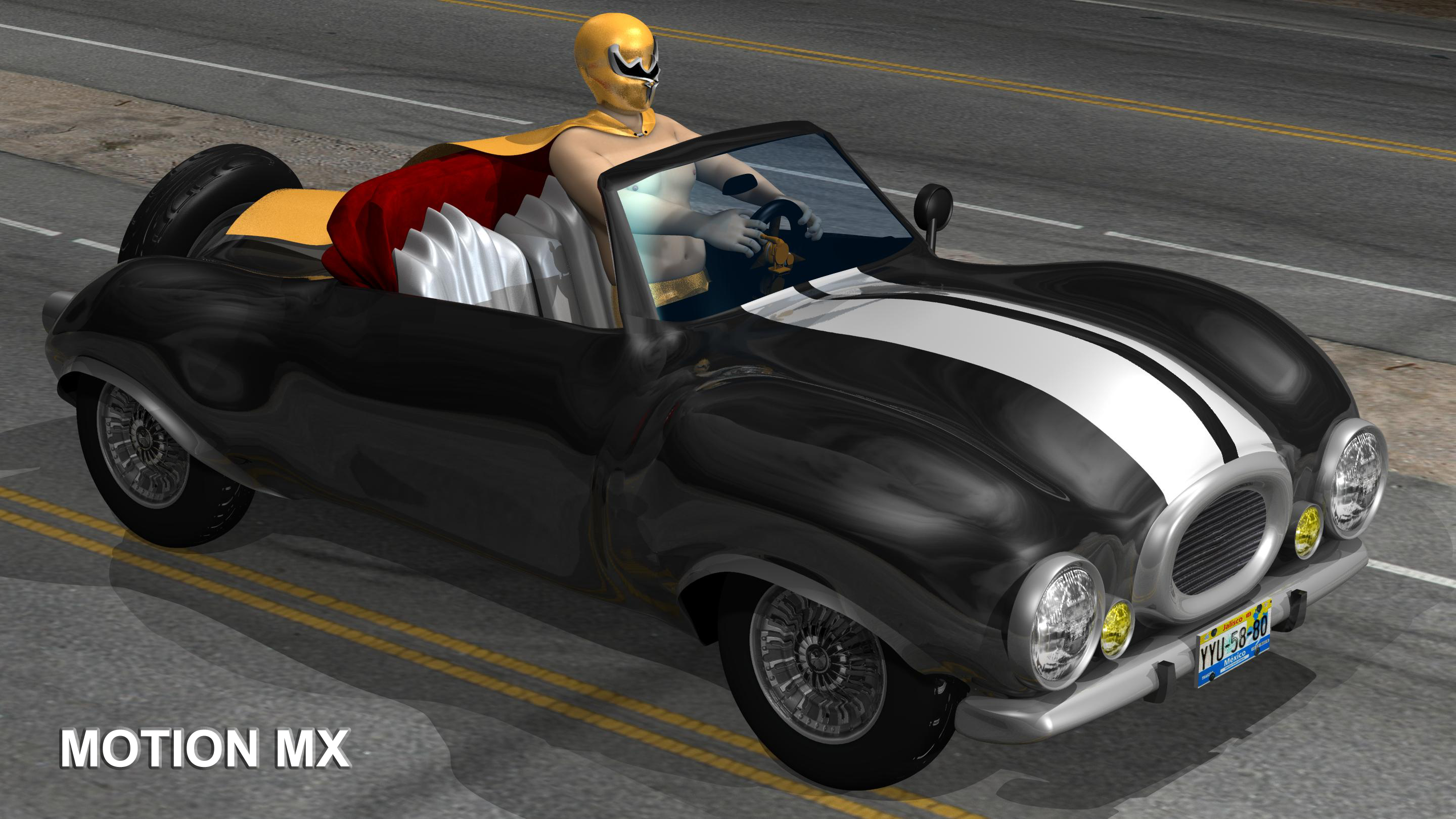
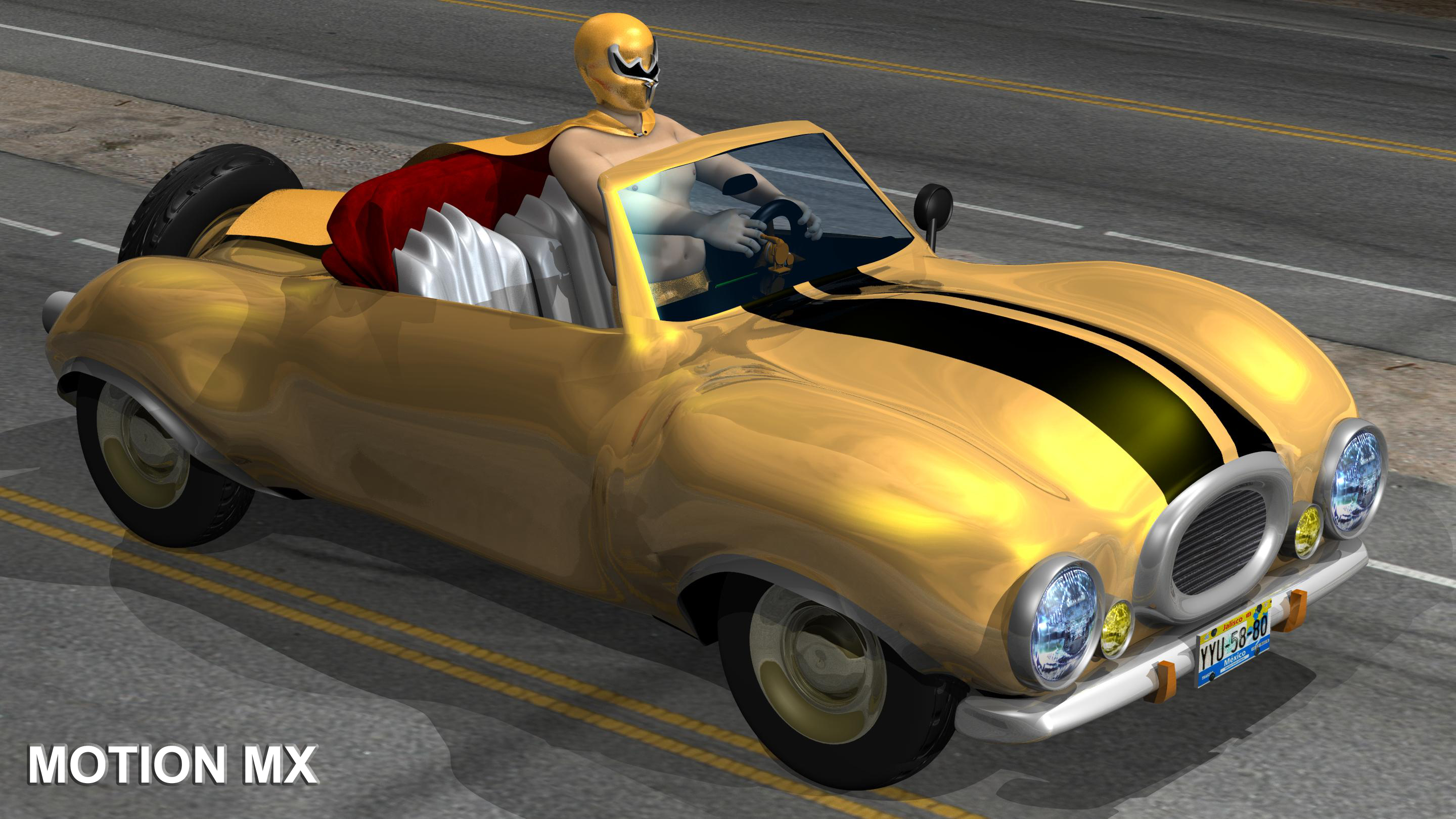
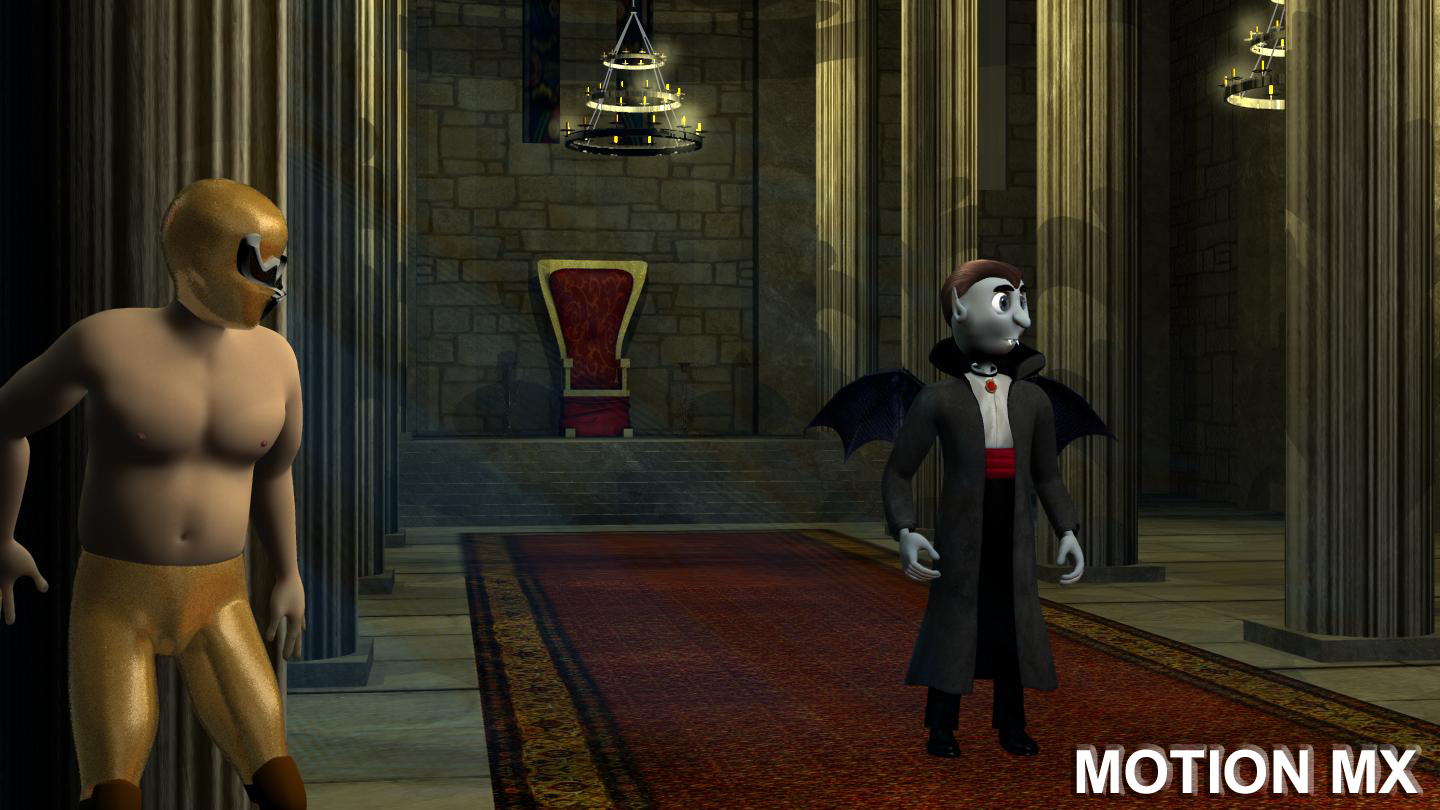
thanks for all coments maybe the movie is translate to english this images not represent the final quality
-
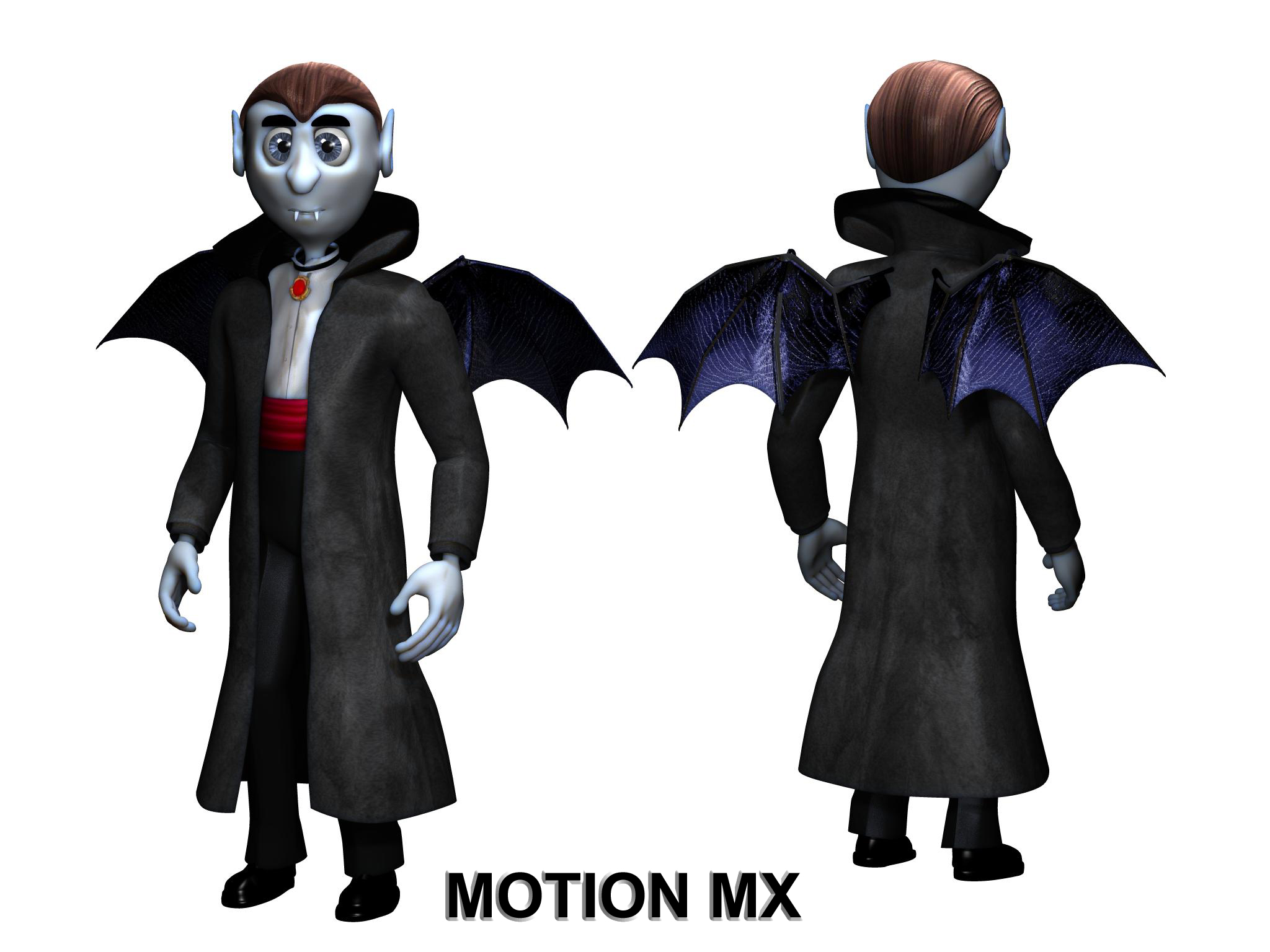
3D Mexican Movie created with ANIMATION MASTER (Work in progress ) by MOTION MX STUDIOS my job texture artist Some images guys
-
sharing video...and needed help!
cronos replied to nino banano's topic in Work In Progress / Sweatbox
Diario voto por ti compañero , es un gran trabajo te felicito -
now is realy easy asign the (Zign track) to any character skeletons , dragons , serpents , birds , monster , dogs ... THANKS !!!
-
thanks !!! , good solucion , now i can used it with my skeleton , now is realy easy to used , i buy (Zign track) in january
-
serious nice that you make small video tutorial , how make it Never use this math expressions , Please not understand how make it nice feature if AM support constraint to BVH bones is more easy for all people is only a suggestion
-
please you can post some example , can't find what ,
-
the face never follow the chest ?? how constraint the bvh skeleton to follow and orient like the chest ?? test with animate character , walk on path and talk FrenchMan__test_it.prj
-
good news , please support "Import Folder as Frames" ( .tga , .jpg , .png ) , is more flexible that AVI files example : frame0000.tga , frame0001.tga , frame0002.tga ......
-
wow !!! , very impressive , maybe buy it (SynthEyes) , how you making robot chain animation
-
nice job !!!
-
finished my current project (TV COMMERCIAL)
cronos replied to cronos's topic in Work In Progress / Sweatbox
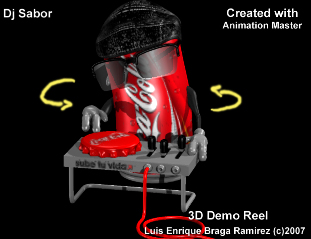
dj rotation 360 Dj_360.zip
-
finished my current project (TV COMMERCIAL)
cronos replied to cronos's topic in Work In Progress / Sweatbox
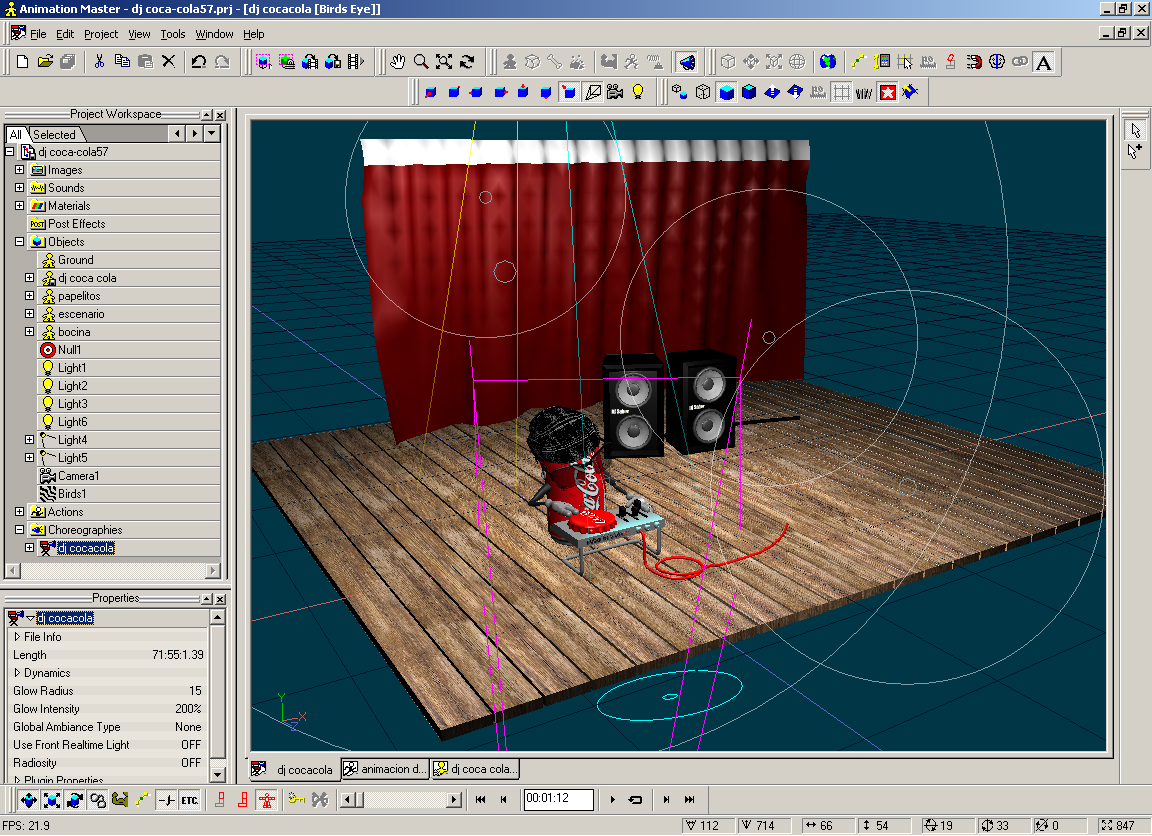
other image
-
finished my current project (TV COMMERCIAL)
cronos replied to cronos's topic in Work In Progress / Sweatbox
how vote - part two THANKS ALL PEOPLE !!!