

Phil
-
Posts
357 -
Joined
-
Last visited
-
Days Won
1
Recent Profile Visitors
16,769 profile views







Phil's Achievements

Craftsman (5/10)
2
Reputation
-
I have 19.5D, E, F1, F2 installed to their individual folders. i was testing to see if i could duplicate the mouse issue. now when i open the other version i get keeps changing depending on which version i go into. I can power through the missing files and them point them to the correct folders. is there a reason this is happening?

-
I was able to capture it Screen Recording 2025-10-26 191205.mp4 Screen Recording 2025-10-26 191306.mp4
-
I've been having some mouse issues with 64bit 19.5.F1 & F2. selecting points buy clicking and dragging to select points, just give a green dash box but doesn't select any thing. is this a known issue? doesn't happen using 19.5.E, also with 32bit version
-
Select a bone right click ->plugins->wizards->mirror bones
-
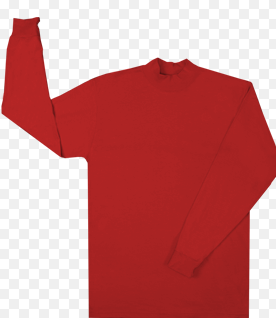
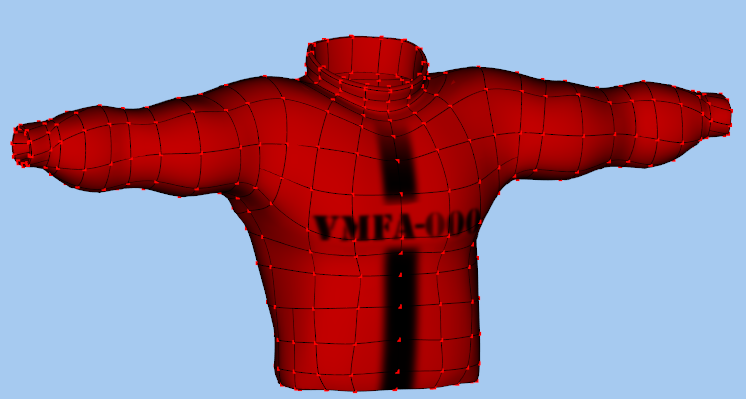
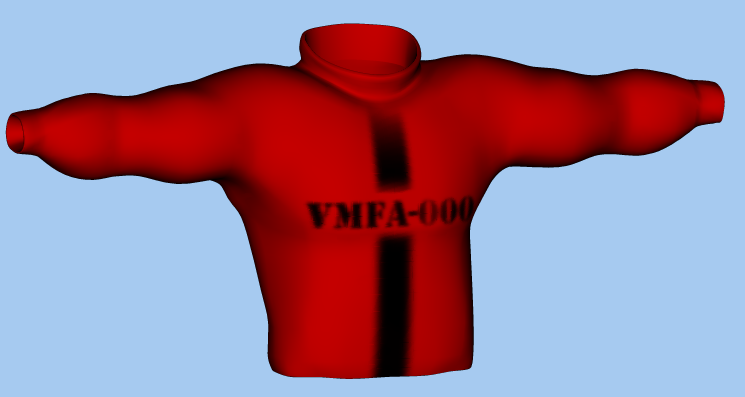
Hi, Thought i start a new thread so as to not hi-jack another. I've always used decals to kind of make material for my models. This is what it really looks like this is what i've done so far. I havent been able to find a Tee shirt type material. I tried looking in the darktree materials but i couldnt find it Any pointers or tutorial you can point me to Thanks G_shirt2.mdl
-
Thanks for the insight. Let give some materials a try. I've been using decals for my clothing
-
Hi Shelton, Love your work. I was hoping you could shed some light on adding clothing to your model. I've been working on a model for long time and would like to add clothing other than modeling as part of model. Can you share some pointers? Thanks
-
Thank you. I had forgotten about these. They worked.
-
I dont remember, as i started using MirrorSplines. which i not have been able to get it to work under windows 11
-
Looks like this is now working. I'm trying to import constraints and bones (left_side.mdl ) into my model that i have that has all the right side constraints and bones already done. this used to work but now it just overwrites the data and i lose the right side. is there a way to copy the bones and data from one side to the other? I was following a tutorial from Barry Zundel disc 2 lesson 9. Mirroring and fixing the rig Its now on youtube as Animation:Master Training - Episode 24 - Mirroring and Fixing the Rig
-
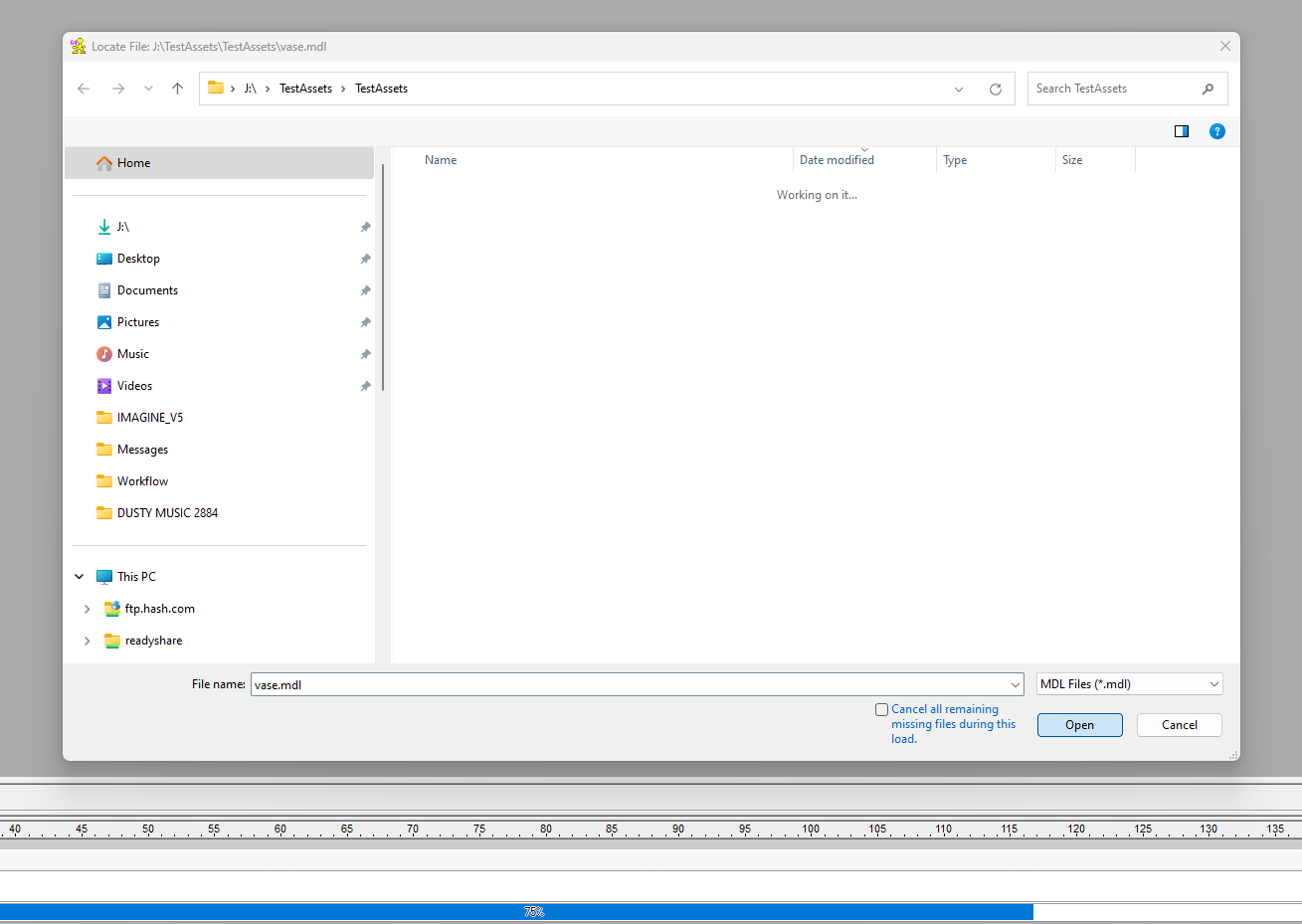
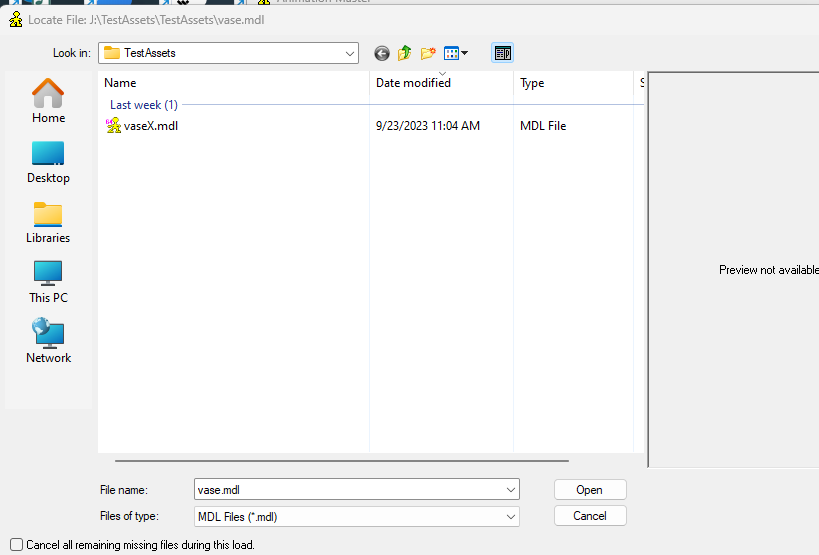
Yes. Tried it again same results using 19.0 and 19.5a. noticed that it didnt display the model file. tried it with 15.0 opened up looking for vase.mdl but only displayed vaseX.mdl. selected model and it opened without any problem
-
The first time i opened the it froze. then i just imorted the part individually and it all seemed to load. I closed all thje projects then selected to open ythe project and it all worked Using 19.5a selecting the project from the file caused the opened to file the vase mole and froze using 19.5a and 19.0
-
Thanks,
-
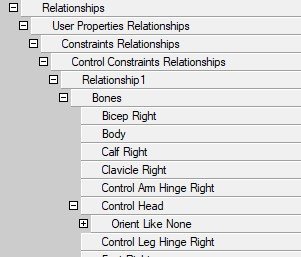
I've adding bones and contraints relationships. I must be doing/missing a step. When i reopen the saved project they're all gone. any ideas? Im using version 19.5a
-
would be nice to see a smooth capability