Madfox
-
Posts
348 -
Joined
-
Last visited
-
Days Won
36
Content Type
Profiles
Forums
Events
Everything posted by Madfox
-
@jhonl3d - I can use simple 2channel transparant layers to create a decal. I was just wondering why I'm getting these parms for the same programs. @Germenzano - I think you're right. Obvious I can't see what's wrong with the system. Could it be win32, can't believe it either. I looked at the preferences but can't find anything. Seems my computer has an alpha fright. Thanks for your support.
-
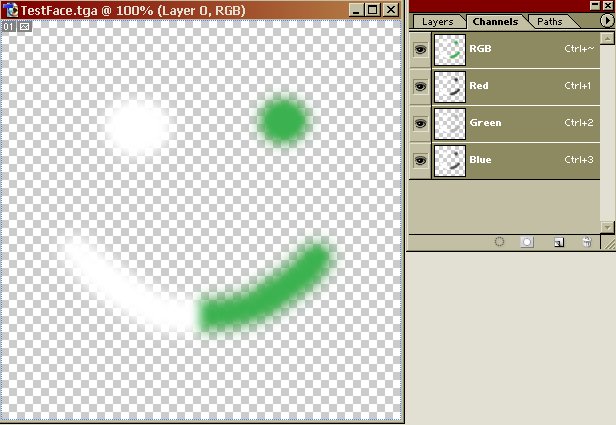
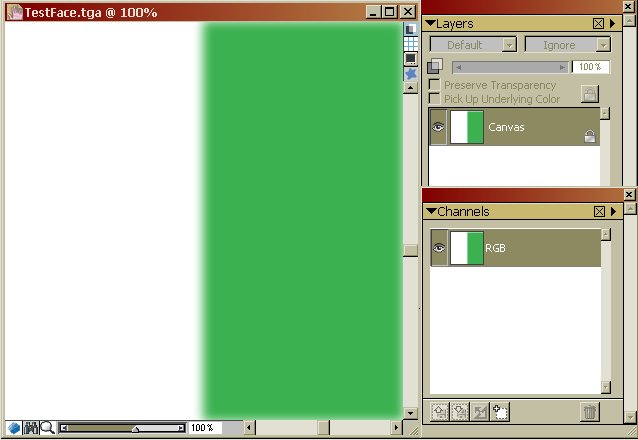
Thanks for advice! My version of Photoshop7.0 is rather old. I don't know what excactly happens, the upper left is Photoshop, the righ one CorelPaintIX. It looks as it is something with import compatibility. I can import *.png files in Am, only Photoshop won't export them. I tried the plugins, only PearlMountain gave me so much errors at start I won't try. I asked this subject before, as it fainted me on the tutorial. Then when I really tried to solve it all other graphic progs (gimp) gave different outs. So I'll keep it on the fact I can use a transparant layer on a model. Masks, Layers, transparants, alpha's, it's starts dazzling me.
-
@Fuchur - My AM16.0 doesn't import *.png files. @Robocat2075 - In Photoshop7.0 the TestFace.tga file comes up as a RGBfile, with no alpha channel as far as I can see. In AM16.0 both work, only they appear different in Photoshop and CorelPaint. @Rodney - If I use a *.tga output from the animation master the file has a RGB and three colours. Maybe it's the misuse of the word transparant and alpha. Photoshop has a way to add a alpha, but for some strange reason it is not what the files show. Or my Photshop version is rubbish. My second screen shows it's not possible.

-
Thanks for reply! The tutorial was very usefull, as the FlamingPear plugins were. Helps to understand what happens inside the pixel image. Won't help me over the problem, though.., My Painshop7.0 percist on keeping them saving without alpha. I follewed the tutorial, but I end up the same as my second post. A *.tga file, that glitches out of the import in Am16. It's not possible to import *.pfd or *.tif files. I downloade the PearlImageConverter and that made a *.tif a good *.tga file. So it is possible, only then I have this huge logo on my image. I wonder why Photoshop7.0 has this kinky mood.
-
Indeed, that's why I'm so curious getting these errors
-
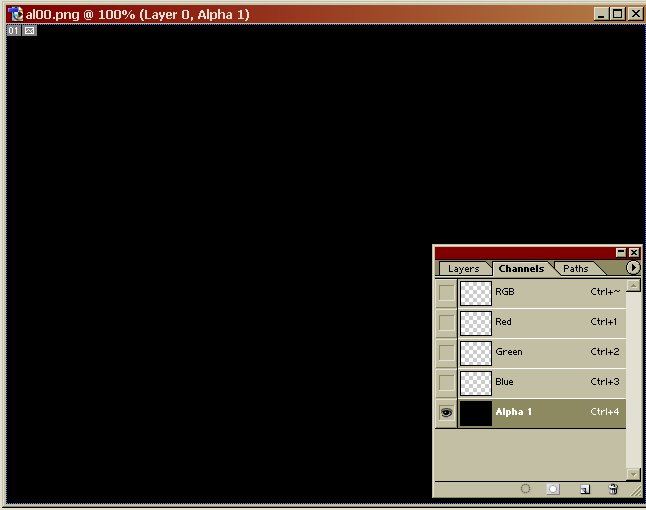
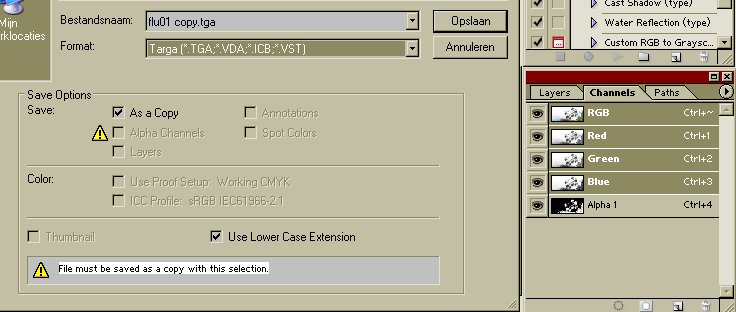
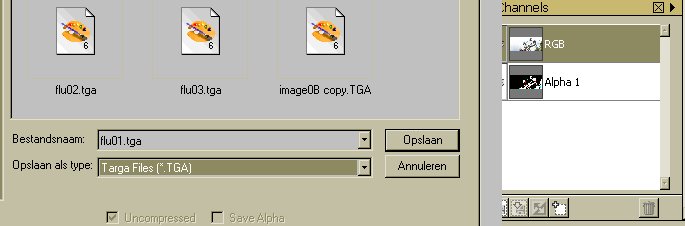
I'm getting intrigued on the way to use alpha channels on models to obtain partial transparance. On the Extra-DVD there is a tutorial about it and while I'm following the example my results fail. Point is that I can't save a *.TGA file with an alpha channel. I'm using Photoshop 7.0 and when it transports the file, I can only use *.TIF and *.PSD to implement the alpha channel. Using *.TGA saves the file, but AM0.16 doesn't show it as an alpha channel. Afterwards this "*.TGA" file doesn't have the alfa channel when I import it back to Photoshop. I tried another graphic program CorelPainterIX, but there also I wasn't able to export a *.TGA file with alpha. What can be the reason I can't import the right alpha channel with *.TGA? Maybe because I use win32?
-
You "giants" make me jaleaous! 16.0 26:47 Intel Grantsdale i915 3400Mh 1core 3Gb ram WindowsXP SP3
-
Right, I have the *.lic file, and it works fine now. How to handle, if I want to install on an computer without internet? I guess I can't use the same lic file, or is there another solution?
-
And what if he's on vacation?
-
Hy AnimationMaster, I just installed AM16.0 again after a new format WinXp. I can't start as I have to webregistrate. Can you send me an email, so I can star the programm? Thanks
-
Thank for your answer. I tried to redirect the same situation, but for some reason it's gone. I had the case earlier, so I tried to pinpoint it. But restarting AM again it seems solved. I think the reason might be I have three versions of Am installed. Funny enough I can start AMv17.a with AM11.1.
-
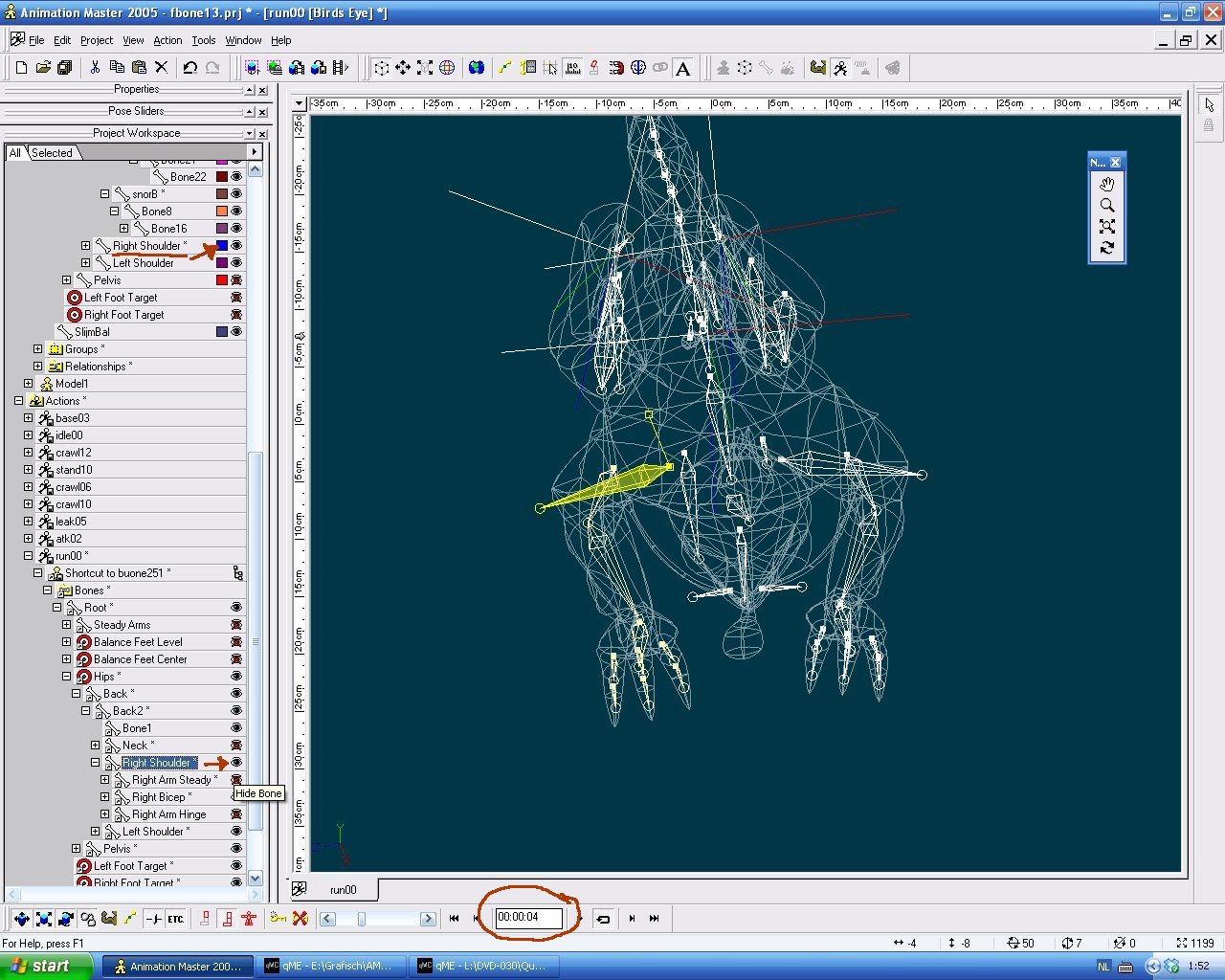
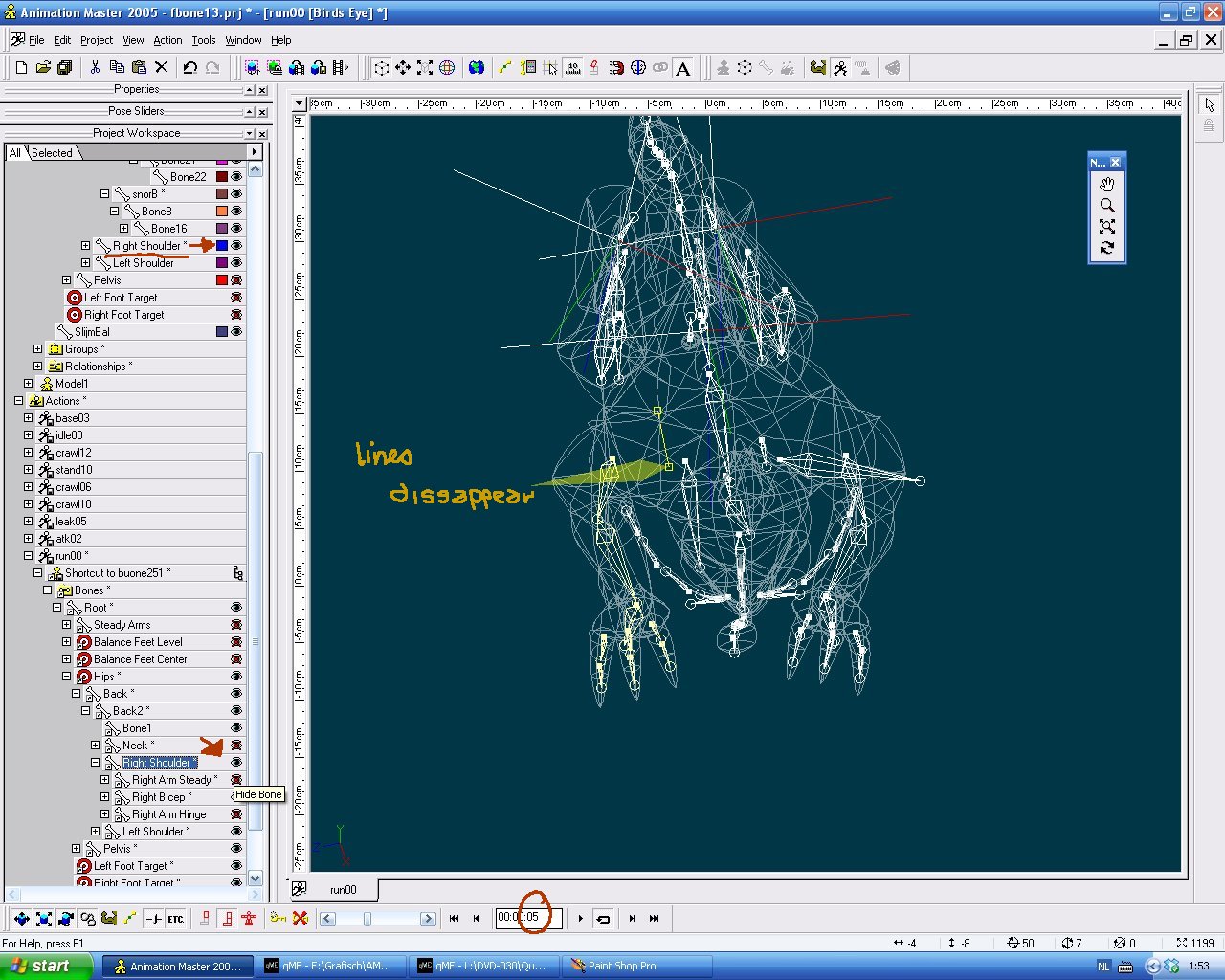
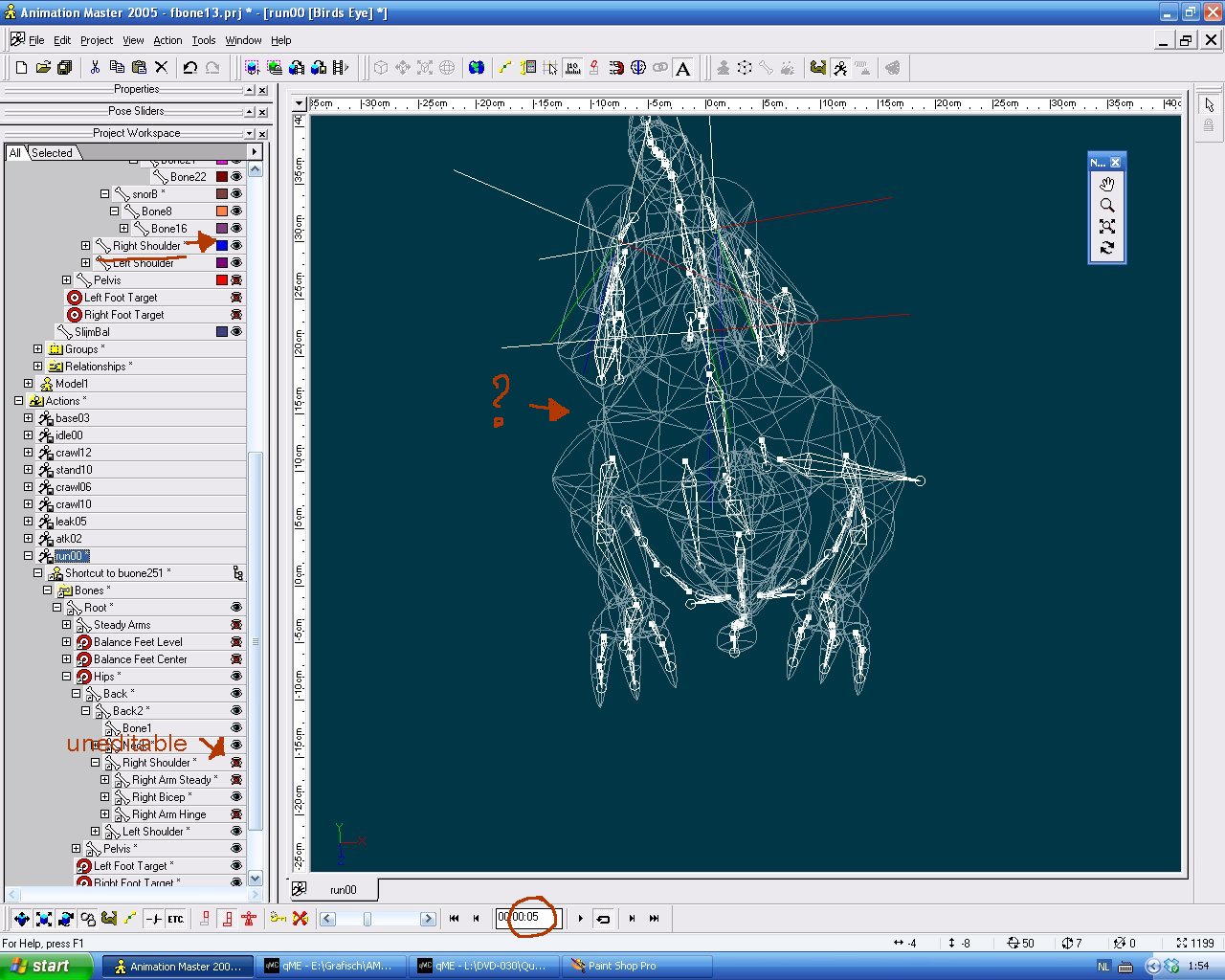
It's version AMv11.1 I placed the three screens because that is the way of order. The first I am in frame 4 rigging the right shoulder bone. Frame 2 is the moment I touch the frameholder to 5 and the bone looses its alignment. Frame 3 is the moment I touch the shoulderbone and it's vanished. I can't unlock the visible radiobotton as it has crossed out on the same moment I touched the bone. It stays blind untill the last frame of the cycle, which is the copy/start frame. I can shape the tight and forearm, so it is not that big bounce. Just something I wondered earlier, while I thought I had relayed another button.
-
I'm making animation frames for a game. These are made of a base model, construckting poses for their behaviour. This has going right always, but lately I find skipping bones appearance. So I start with an action from a base frame, and then suddenly in the 5th pose the bone looses its line shape. It becomes a sort of haze and as soon as I try to catch it with the mouse it's gone. The former radio button that showed off its "show bone"gets locked. The rest of the pose I can only hope the rest of the bones keeps its excistency. Here are some screens to show the effect. Did I miss a an option somewhere?
-
Downloading / Installing the current version of A:M
Madfox replied to Madfox's topic in Animation:Master
Yeh, the inlog screen to the chat. Not that bad, actually I wanted to start AMv17 after cleaning up the computer. It changes all logs I already have, so I start saving and launch a new format. -
Downloading / Installing the current version of A:M
Madfox replied to Madfox's topic in Animation:Master
I installed V17.a and it works fine, just can't login with my password. It says my nick doesn't excist. Feel such an april's fool to buy the product one houre before the update. And the shippingcosts for returning and sending are the same as the article itself. Must be an art in some way, roll the golfball one inch before the hole. -
Downloading / Installing the current version of A:M
Madfox replied to Madfox's topic in Animation:Master
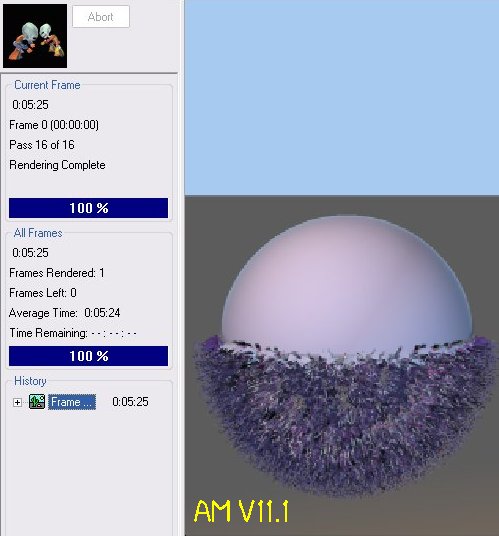
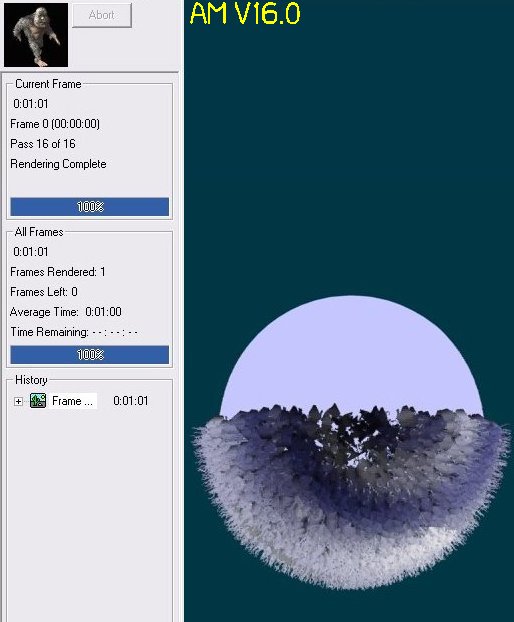
Well, that seems rather an improvement on V.11.1! I always wondered how to get rid of that blue sky? That is five times as fast, and the feathers now are well orientated. Good Job, makes rendering a lot quicker. Jay!!!
-
Downloading / Installing the current version of A:M
Madfox replied to Madfox's topic in Animation:Master
Ha, no that's not what I ment. I'm working on two computers, one with the new programm for rendering and another one for working while rendering is done. It's more the way to update to a computer without web service. I can upload the updates and change them with a USB stick. Although stand allone computers are a bit stubborn without the net. As I install the programm I need an activation log. Not sure what a unplugged computer will do. -
Downloading / Installing the current version of A:M
Madfox replied to Madfox's topic in Animation:Master
Alright, don't think I'm complaining, already glad to have the programm! I just chequed some facts as I have made some screenshots when I bought it. Indeed it was the website you linked to. As lucky I am the billnote says 3-8- 2012 7:52 , and that's the excact moment you refreshed the website. Another reason is I'm very patchy to own the programm without internet. Nothing wrong with downloading but I want to have something in my hands. I can update, sure.., but on a computer without internet installing them ain't easy. -
Downloading / Installing the current version of A:M
Madfox replied to Madfox's topic in Animation:Master
@Darkwing - I waited quiet a long time before selling as I had no Paypall. So I wanted to use banknote, but then my account was updated. @Robocat - I expected that answer. For the same reason I miss the next update. Maybe a bit naive of me but on the website only V16.0 was obtainable. And as buying a new programm the least I would expect is to get the latest one. -
Hey Animation Master. As owner of versions V8.0 & V11.1 I thought to buy the newest version of the AnimationMaster. So I linked to the webstore and filled in the chart formula and waited for a few weeks. Now I'm here with V16.0 and I'm glad all over. How come your version V17.0 is out since 4 august 2012 and I bought the latest pack 24 august? sincerely yours, madfox.
-
I'm trying to get a car model in shape. Have been working around with the airplain example, and switched them into a Citroèn. Think I made some failure in the perspective, because it got some scratches. Made myself a bit difuse for keeping all part-names for decaling. Fun to do!
-
I tried the streaktest and added a bone to it. When I use a path and bind the streak emitter to it the flame goes round. The Thunderbird model has also the same trusterfire added. But this is tied to the first bone of the model, which lies excentric of the streakemitter. The same happens, when I add a smoke trail. It seems to loos the orïentation of the fire trail. I know there are ways to compare both, as done in the manual with the hat on the table. But for some reason I can't figure it out. fs166.mpg fs167.mpg
-
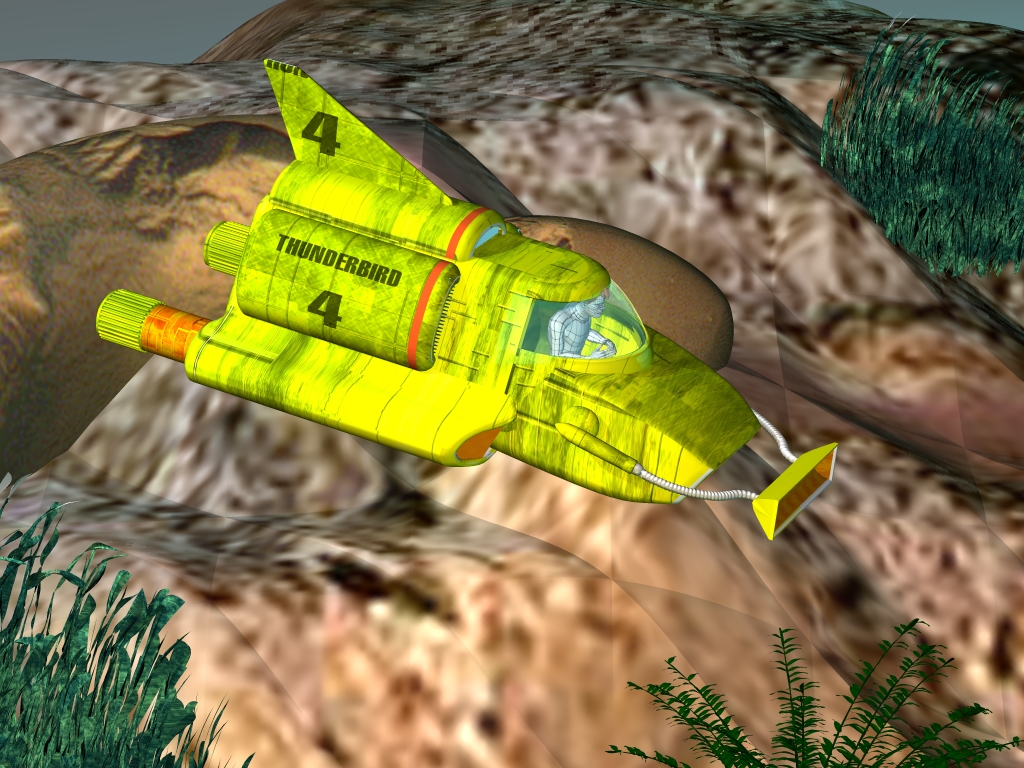
The landscape is a rough dxf file I used as underground. I know the rendring is quiet flat, but more to show off the model. It helped indeed, baking actions. Still it took me about 6 houres. I tried the streaktest, but I own AM2005. It replied in error, I dunnoh which version you have? Maybe baking actions solve the problem. Thunderbird4.mpg
-
I finished the fourth one, Thunderbird 4. The animating on my computer really goes slow. To make an animation of 8 sec took me almost 9 houres. Shame it is a little too low, as The Prince of Persia, stranded in time. http://www.youtube.com/watch?v=g_GE0qjfrtc But they sure look good!
-
The life exp. is 00:00:07 I set out a path, connected it to the vehicle, and run a 00:19:00 animation over the whole path. For some reason and forgetting the glitches, the streak-emmitter takes care for the round path. I know it sounds strange, but my question is a way to get the variables in this streak emitter to collide with the path. It seems a little strange to make account for every frame in the streak emitter of the turning angle. In a walking model ( I know this hasn't anything attached to it or it has to be hair) the path of the model collides free, when a path is attached to it. I don't have to rearrange the angle the model walks frame by frame. Now I have several examples of the model turning with the flame in a 90 degrees corner, or the flames keep comming from one side, even when the model has turned. Sorry my knowledge of the streak emmitter is that poor. I could make a jetstream in a model frame, but than it hasn't that moving alook like a flame truster does.